8 Customizing the Device (Windows)
25
Adding Tiles
Tiles allow you to add your favorite apps, websites, and contacts directly to the Start screen.
1
Place your finger in the center of the Start screen and swipe upwards.
2
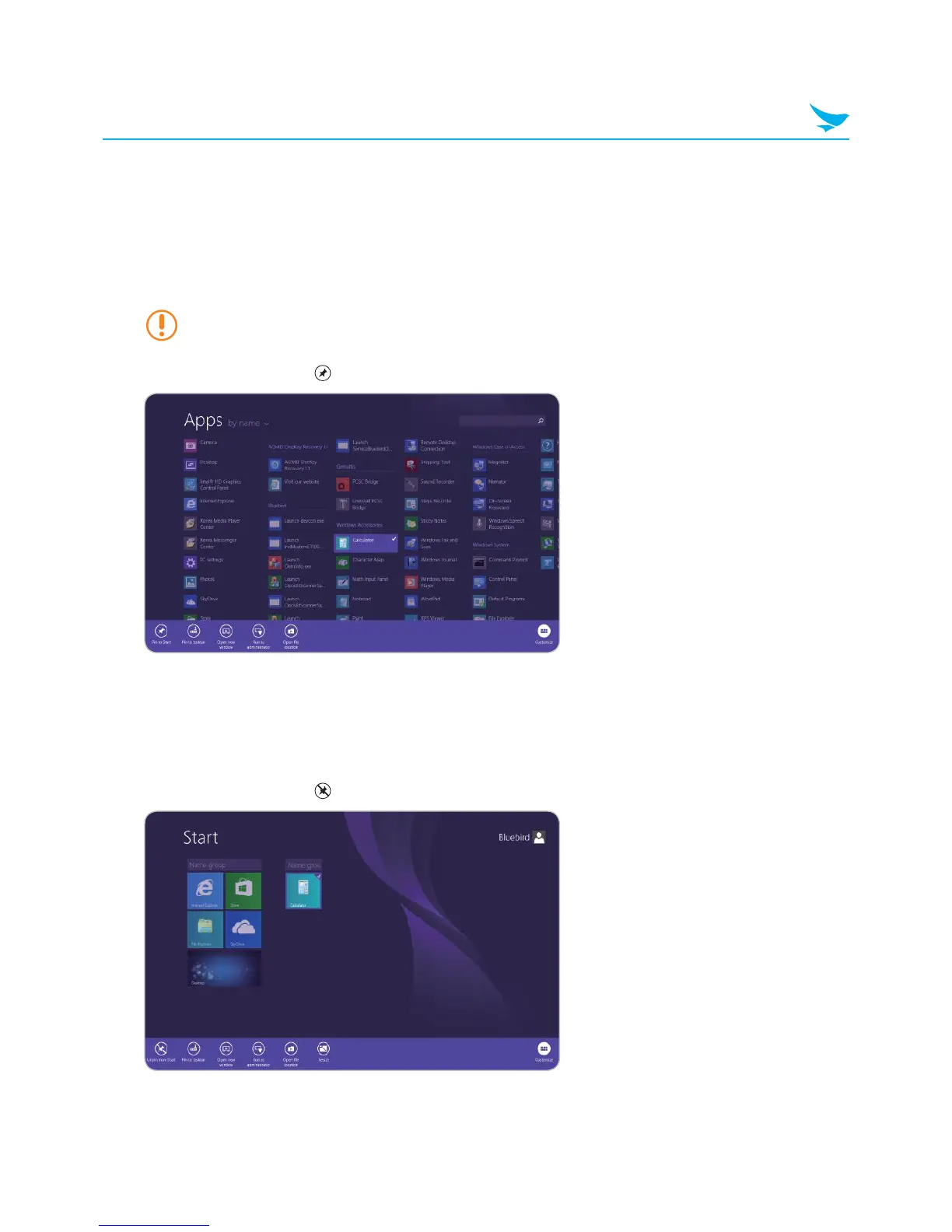
On the Apps screen, press and hold an app until the context menu appears at the bottom of the screen
To add multiple apps at the same time, tap the desired apps while the context menu is open.
3
In the context menu, tap Pin to Start.
Removing Tiles
1
On the Start screen, press and hold an app until the context menu appears at the bottom of the screen.
2
Tap the tiles that you wish to delete.
3
In the context menu, tap Unpin from Start.



 To Next Page