8 Customizing the Device (Windows)
26
Resizing Tiles
1
On the Start screen, press and hold the app until the context menu appears at the bottom of the
screen.
2
In the context menu, tap Resize.
3
Tap the desired size.
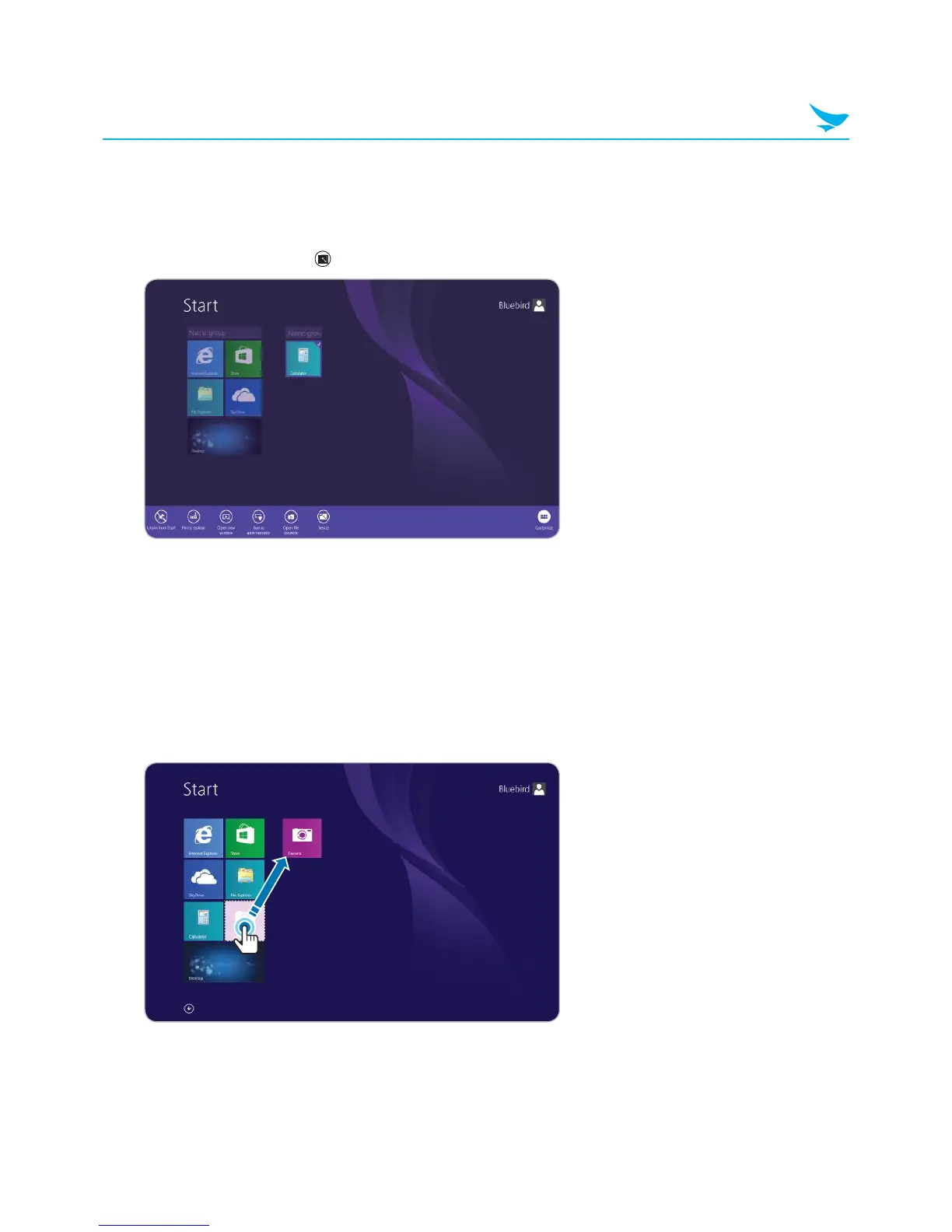
Grouping Tiles
You can group tiles based on function, frequency of use, or even personal preference. Once grouped, the
tiles will remain together until moved to another group or removed from the Start screen.
1
On the Start screen, press and hold an app until the context menu appears at the bottom of the screen.
2
Drag the app to the desired group or drag the app to a blank area of the screen to create a new group.



 To Next Page