3 Safety Precautions
11
3.4 Using Touch Gestures
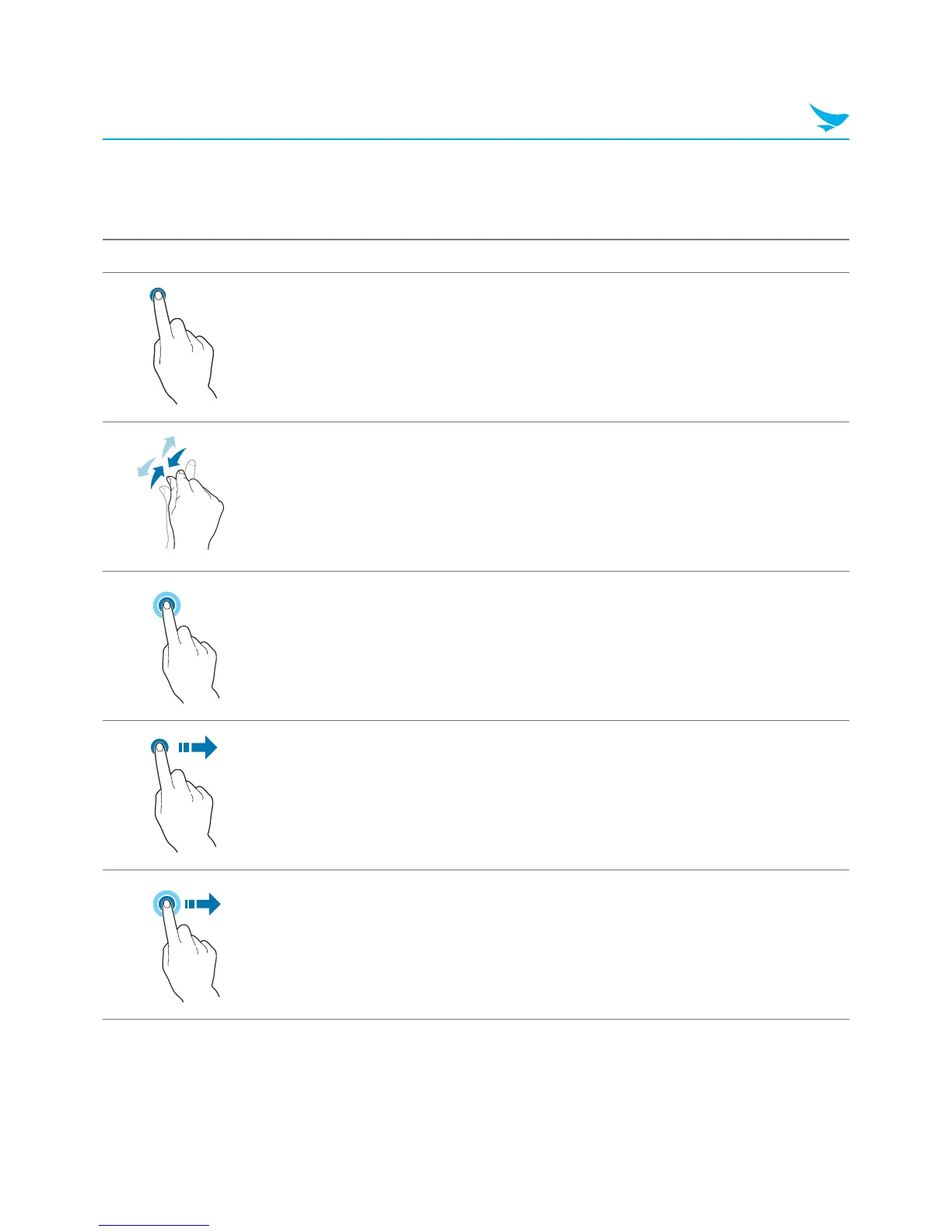
Touch gestures allow you to interact with Windows or Android and the applications installed on the device.
Gesture Name Description
Tap
Lightly touch an item to launch apps, interact with buttons,
and select options.
Zoom
Touch two points on the screen and move your fingers
together to zoom out or move them apart to zoom in.
Press and hold
Continue touching an item to open context menus and
display other options.
Swipe
Flick your finger across the screen to switch between apps
and display additional menus.
Drag Move your finger across the screen to move apps and pages.



 To Next Page