EP600 Energy Storage System User Manual
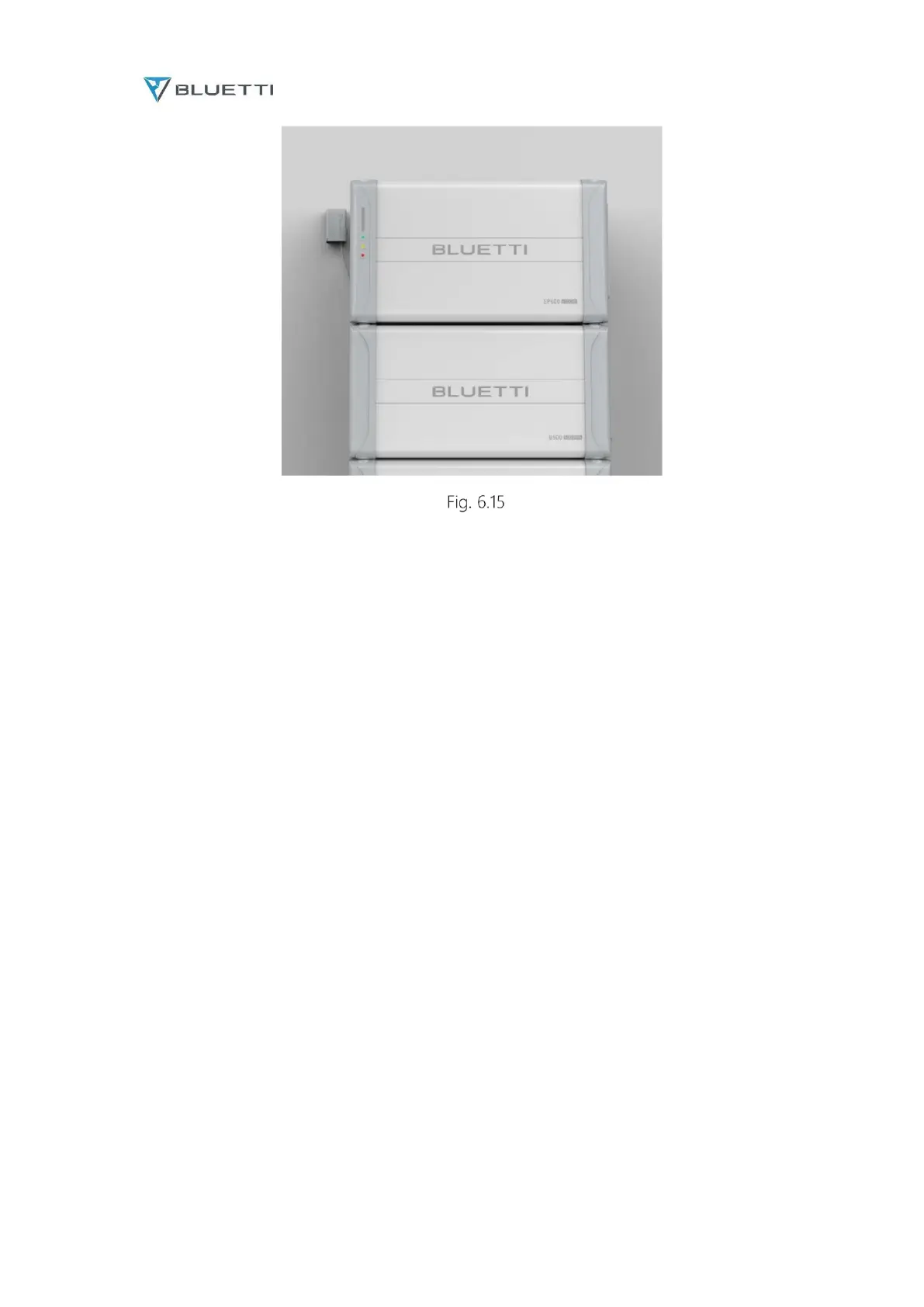
a. Plug the communication cable into EP600 Signal Port 1.
b. Turn on EP600, and the IoT controller starts up automatically.
c. Configure the controller in BLUETTI app.
d. Please find "bluetti" in the app store (Apple device users) or Google play (Android device users)
and download the "bluetti" app application, through which you can remotely control the power
system. (see 8.2 download and install bluetti app for details).
e. The IOT controller can be remotely controlled through Bluetooth or WiFi. If you need to
remotely access the device, please start the downloaded "bluetti" application, click the "login"
icon and "register", and then fill in your bluetti account and related information to complete the
registration. (see 8.3 registering bluetti account for details).



 To Next Page