EP600 Energy Storage System User Manual
3) Then switch on the AC circuit breakers on EP600 grid port.
4) Then switch on the AC circuit breakers on the load port.
When EP600 detects that the grid meets the requirements for grid connection under good light
conditions, it starts to operate normally. (Or by starting and shutting down B500. See "6.9 B500 start
and shut down" for details)
Check the status of LED indicators or the system status displayed on BLUETTI app.
7.3 Power Off
Wait at least 30 minutes after powering OFF the system before performing
maintenance or inspections, as this may cause electric shock or burns.
Turn off the AC power on BLUETTI App.
Switch off the AC circuit breakers on EP600 grid port and load port.
Switch off EP600 PV switch.
Press the power button on any B500 till the indicator on the button flashes green.
The indicator continues to flash.
When the indicator is off, B500 battery packs turn off.
Switch off all B500 manual switches and the system powers off.
8. BLUETTI App
8.1 Introduction
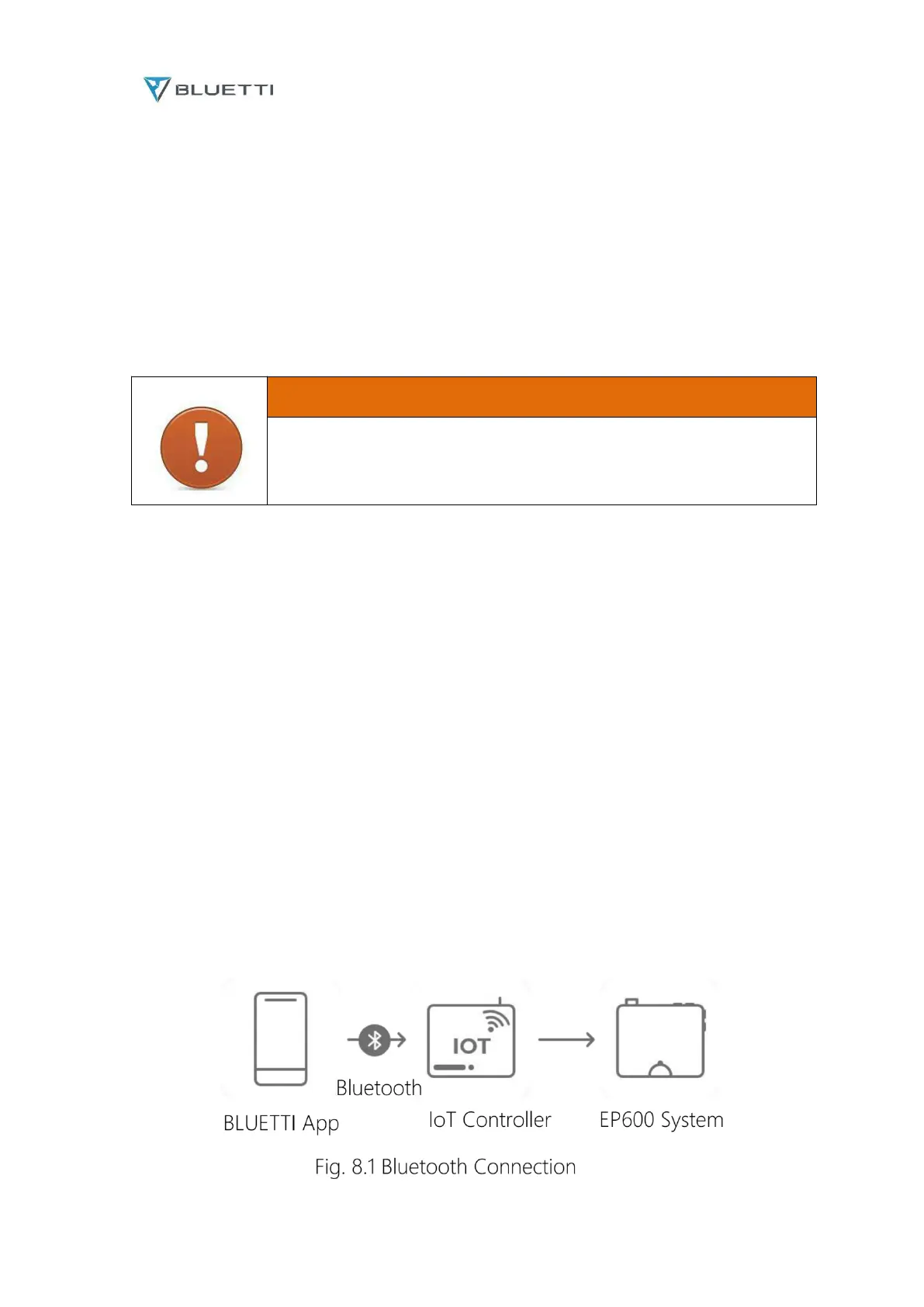
BLUETTI app allows you to monitor and control the EP600 inverter system in the palm of your hand
via Bluetooth or WiFi, with features like In-time Alarm, Error Message, Data Collection, Operation
Status, Parameter Configuration, and Firmware Upgrade.
Bluetooth Connection



 To Next Page