38n
Traffic information
Traffic information in the route
map
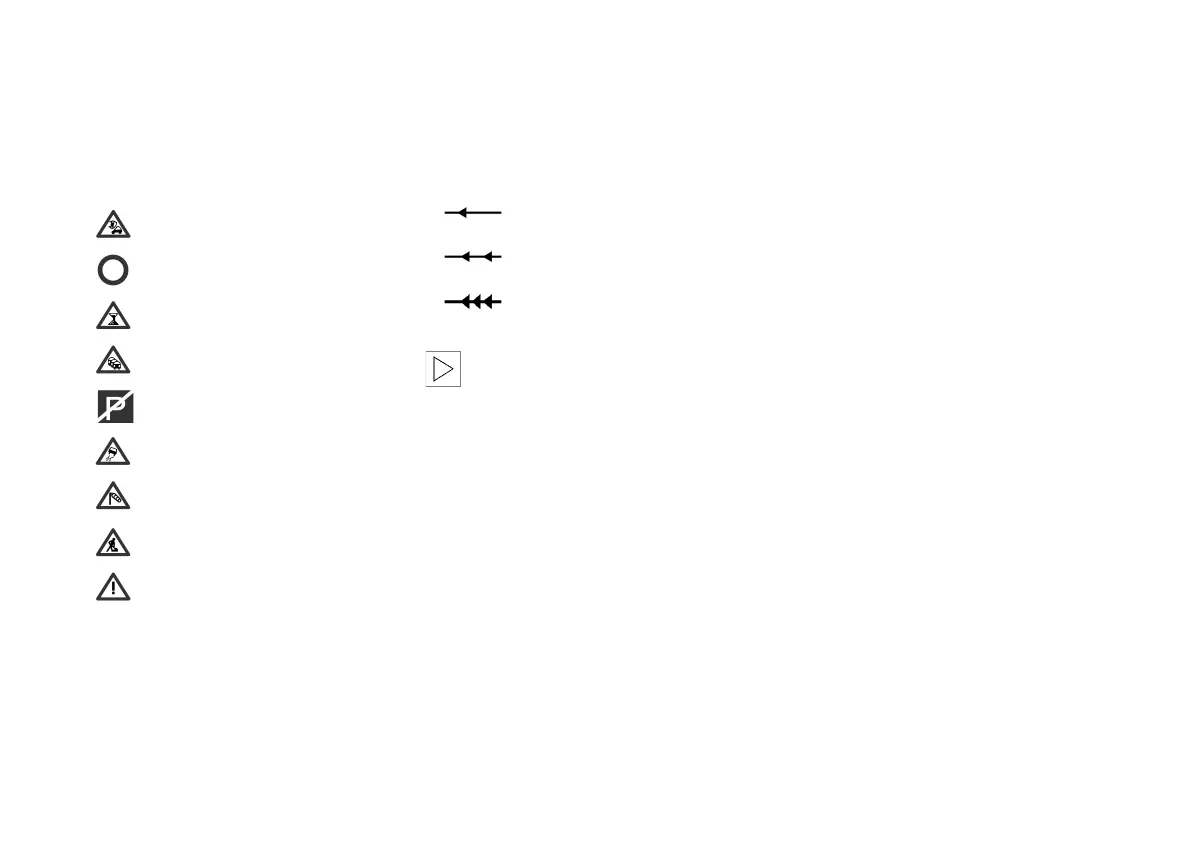
TMC traffic information is shown in the
route map by means of the following
symbols:
The symbols appear
> In colour with a red border along the
intended route;
> In black and white with a grey border
if not on the proposed route.
Accident
Closed road
Delay
Stationary traffic
No parking
Slippery road
Cross winds
Roadworks
Danger
Where a scale of 10 km or less is being
used, additional detailed information
such as the length, direction and sever-
ity of the congestion is shown by ar-
rows along the route. For example:
If the scale being used is greater
than 10 km, a traffic incident is
shown by an arrow pointing in the di-
rection affected.<
Slow traffic
Stop-and-go traffic
Stationary traffic
Online Edition for Part No. 01 41 0 156 676 - © 01/02 BMW AG



 To Next Page