please check whether the step2 is supported.
Some computer configuration and wireless network cards do not
support this function.
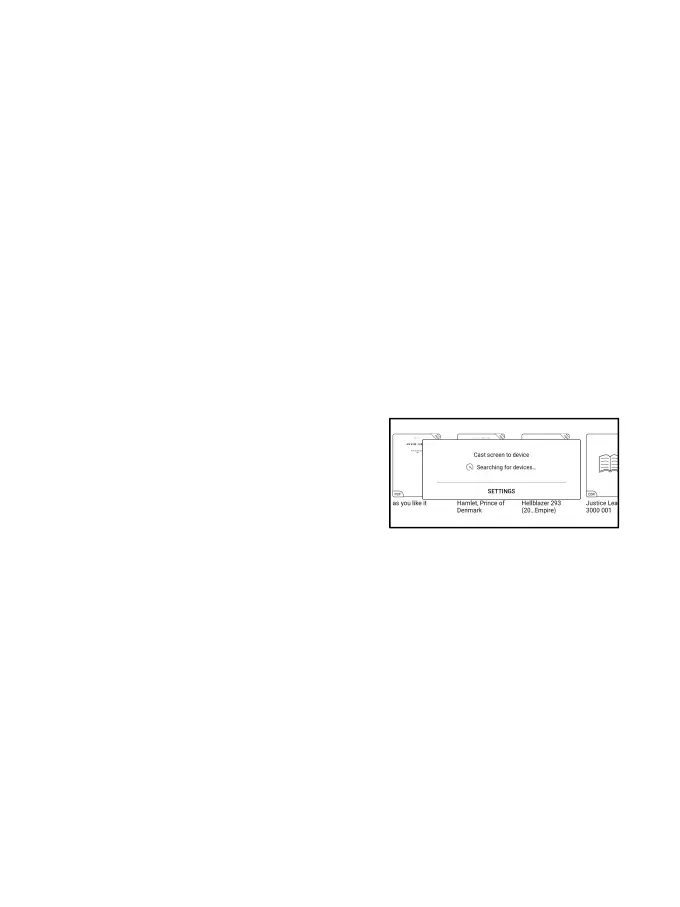
5.1.4 On your BOOX, select Screen Cast from drop-down Control
Center. Then the automatic search will start. The computer name
will be shown when found.
5.1.5 Select the found computer in
the search window. If there are
multiple computers, select the
computer that you want to project to
from the list.
5.1.6 After you select the computer that you want to project to,
your computer will pop up a notice to ask whether to accept the
projecting request.



 To Next Page