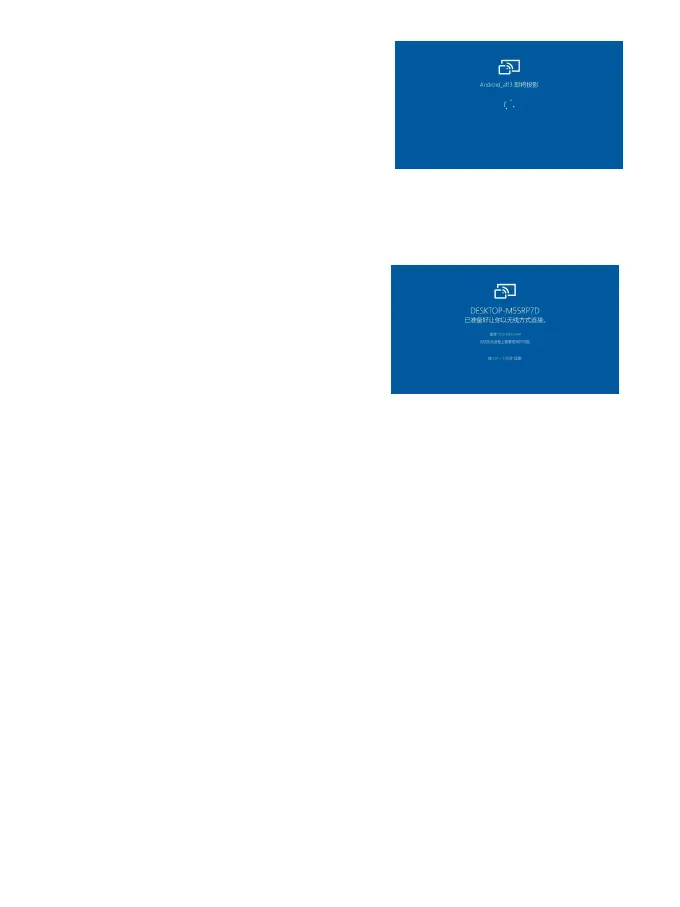
5.1.7 After you accept it, your BOOX
and computer will automatically
connect to each other. And the
Screen Cast is successful.
If the "Unable to view protected
content on this device" appears on
the screen, the connection may be
unsuccessful. Please disconnect
the device, and request the Screen Cast connection again.
5.1.8 When your BOOX and computer are connected, please tap
Screen Cast again from Control Center, then select“Disconnect”.
Your computer cannot disconnect the connection.
If your computer support Screen Cast but cannot receive the
request, please restart your computer and try to connect again.



 To Next Page