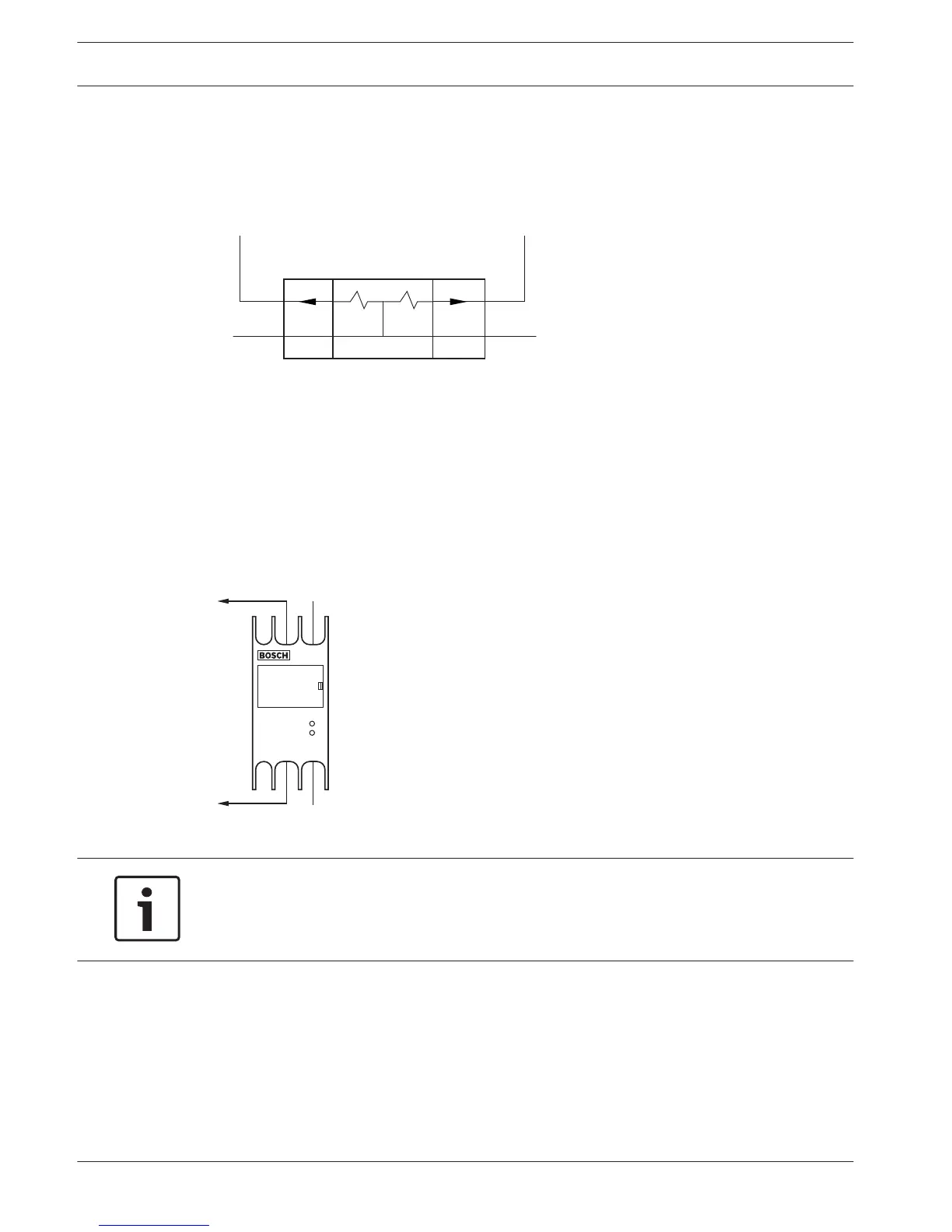
LBB4114/00 Trunk Splitter
Connect the trunk splitter to the DCN with the DCN cable. You can use the DCN trunk socket
to make a loop-through with the trunk splitter. With the DCN tap-off sockets, you can make
tap-offs in the DCN.
Figure 6.47: DCN
LBB4115/00 Tap-off unit
The external connections of the LBB4114/00 Trunk Splitter and the LBB4115/00 Protected
Trunk Splitter are the same (refer to LBB4114/00 Trunk Splitter, page 146).
PRS-NSP Network Splitter
Optical network
Connect the network splitter to the optical network with the optical network sockets.
Figure 6.48: Optical network
Notice!
If the distance between two devices is less than 100 m, use a network splitter between
devices to remove the use of fiber interfaces. Use only the trunk sockets of the network
splitter in this case.
Power supply
You can connect an external power supply to the external power supply socket of the network
splitter. The network splitter is supplied with a Kycon KPP-4P plug, which you can connect to
this socket. The external power supply only supplies power to the connected tap-offs.
6.22
6.23
6.24
146 en | Connection Conference System
2013.11 | V2.0 | DCN-NG_OM_V4.x Operation Manual Bosch Security Systems B.V.















 To Next Page