Menu
–
+
Enter
'Return
Familiarize yourself with your phone
11
How to use this manual
A
number of abbreviations and symbols are used in this manual to give you a better
overview
. This section contains a brief description of each of these symbols.
The screens used in the manual contain only the texts or symbols that are signifi
-
cant for the respective function.
Selecting a function using a function key
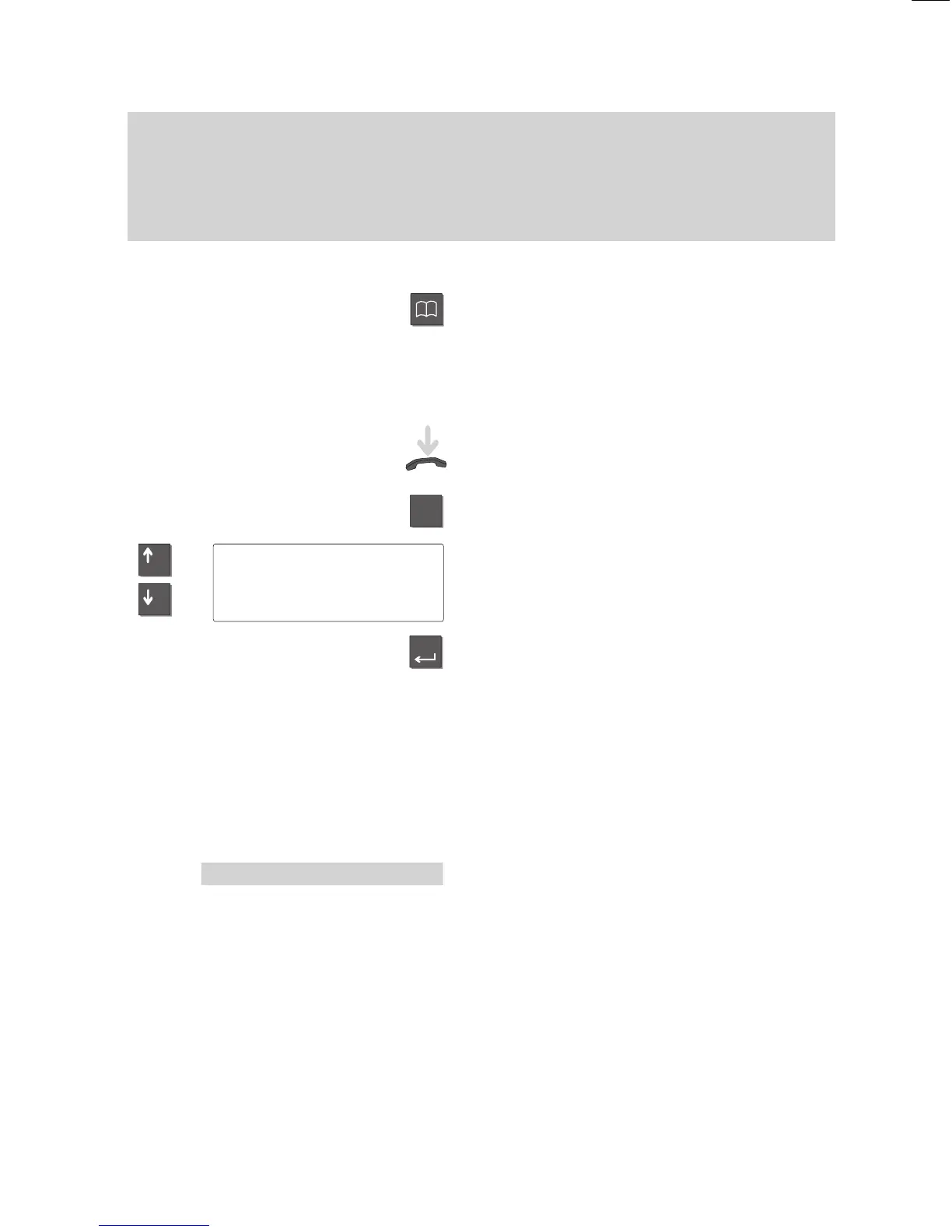
Some functions can be selected using a
fixed function key. These keys are depicted
as shown here.
Selecting a function using menu items
Note:
Leave the handset on-hook. The display
shows only a minimum number of functions
when the handset is of
f-hook.
Y
ou may first need to press the
”Menu” key to call up the main menu.
T
o select the menu item shown on the left,
press the arrow keys until the desired
menu item is highlighted.
Press the ”Enter” key to select the function.
Note:
If the user manual tells you to select a
menu item, the respective menu item will
be highlighted on a grey background.
The selection is subsequently shown as a
complete screen.
Note:
The main menu contains not just menu
items but also submenus, where you can
call up further menu items. Submenus are
marked with a “:” (colon) in the display
.
Y
ou can always move from these subme
-
nus to the previous level with the “”Return”
menu item.
Menu 'Call
diversion



 To Next Page