+
–
or
3
e.g.
During a call
45
Changing settings during a call
To
improve the quality of a connection, you can change the settings of your tele
-
phone during a call. These settings are only retained for the duration of the call.
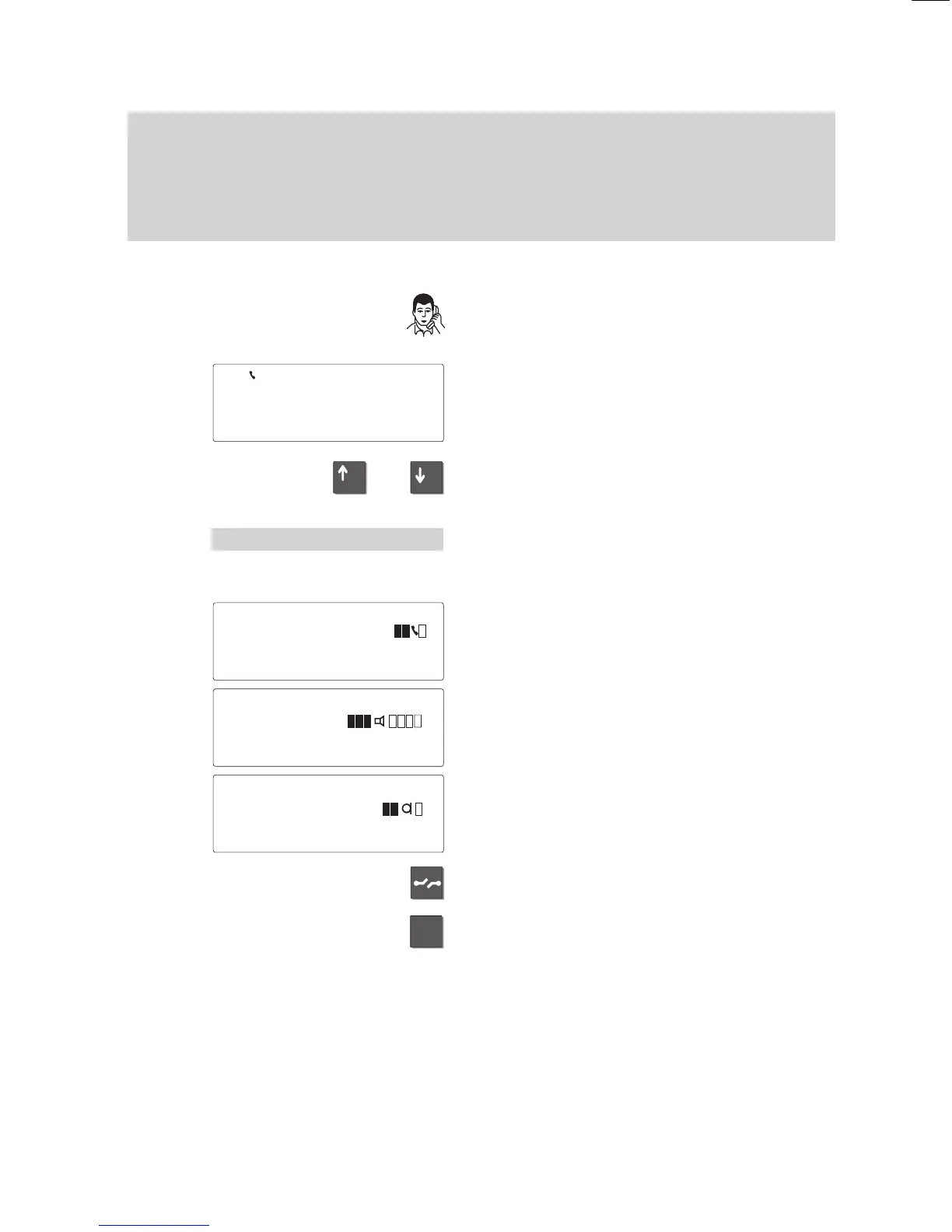
Changing settings during a call
Y
ou are on the phone.
Y
our display may appear as shown at the
left.
Y
ou can use the arrow keys to select and
modify the functions described below
.
Adjusting the volume
Select the “V
olume” menu item and press
“Enter”.
The current settings are displayed. Y
ou can
modify the settings for handset, micro
-
phone and loudspeaker
.
For the best handsfree operation, keep the
volume of the loudspeaker as low as possi
-
ble.
Select the desired function, e.
g. “Hands-
free”.
Press the “Release” key to return to normal
call mode without making any changes.
Enter a digit between 1 and 4 to adapt the
setting to current conditions.
Y
ou can set the following stages for hands
-
free mode:
5597
BERT
±
'Volume↓
Handset 1...4
↓
Loudsp. 1..8
µ
Hands–free 1..4
µ



 To Next Page