–
+
–
or
Familiarize yourself with your phone
14
Basic operating rules
The
following pages contain a few basic rules concerning the function of your
phone.
The display assists you
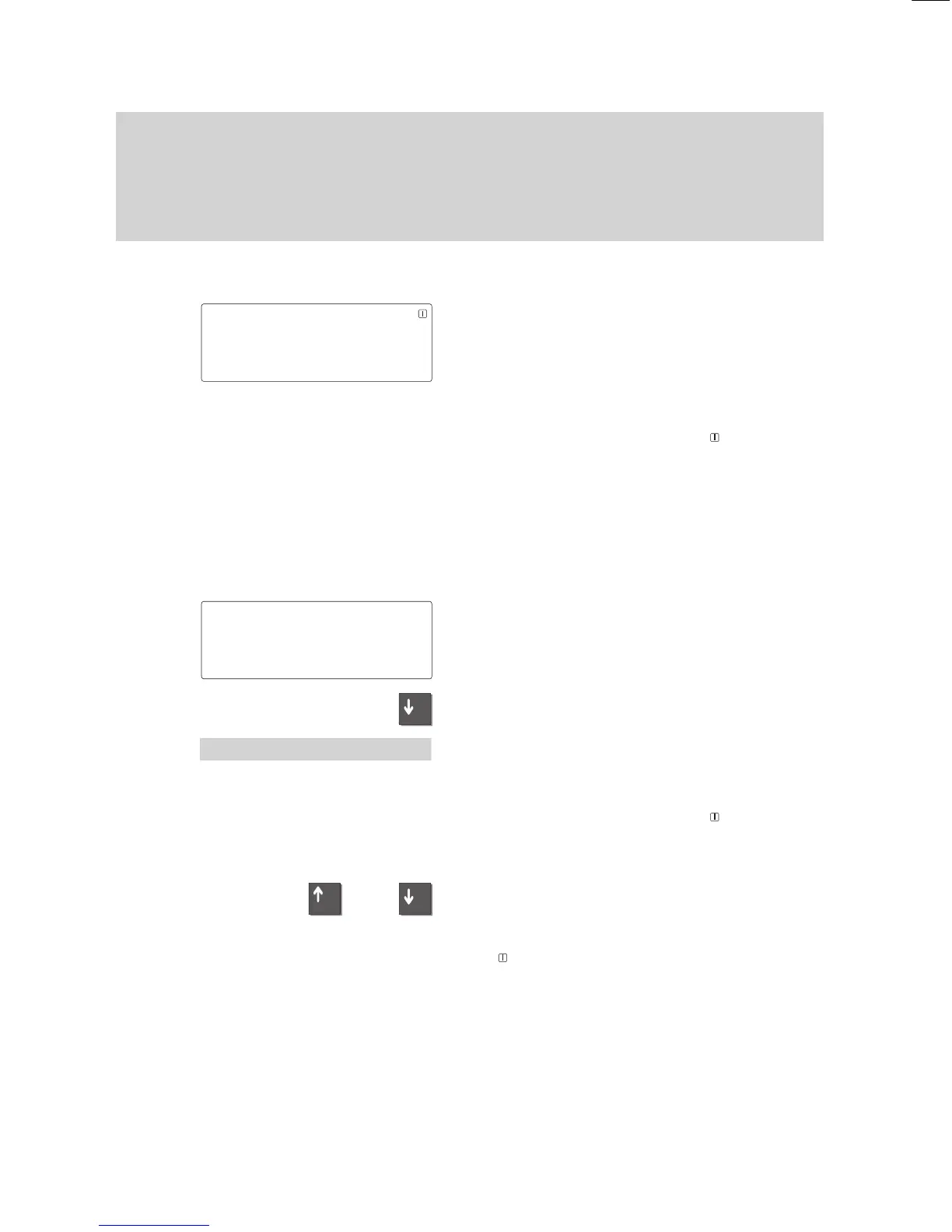
The figure to the left is an example of the
display when the phone is in the idle mode.
Y
ou can program your phone to display
your name and call number
.
Moreover
, you can see the current date
and time.
The arrow ”
↓
” and the symbol
show you
the telephone status information that is
available, e.g. when your phone is locked.
The display generally only displays func
-
tions that are actually available on your
phone.
Example:
Y
ou make a call.
The call number and name (if applicable) of
the called party are displayed on the
screen.
Y
ou can scroll through the available menu
items using the ”Arrow down” key
.
Y
ou can, for example, adjust the volume of
the loudspeaker by pressing the ”Enter”
key.
The arrow „
↓
“ and the symbol
show you
if information on the state of your telephone
is available, e.g. when it is locked.
Y
ou can view the status messages one by
one by means of the ”Up arrow” and ”Down
arrow” keys.
The
symbol flashes if the status was
changed without the status message being
viewed.
1234
MILL 11.11.94 16:50
↓
FULL JONE DAVI HARR JOHN
CASS THYS SMIT WHIT TRAV
1234 DAVIS
↓
1234 DAVIS
'Volume



 To Next Page