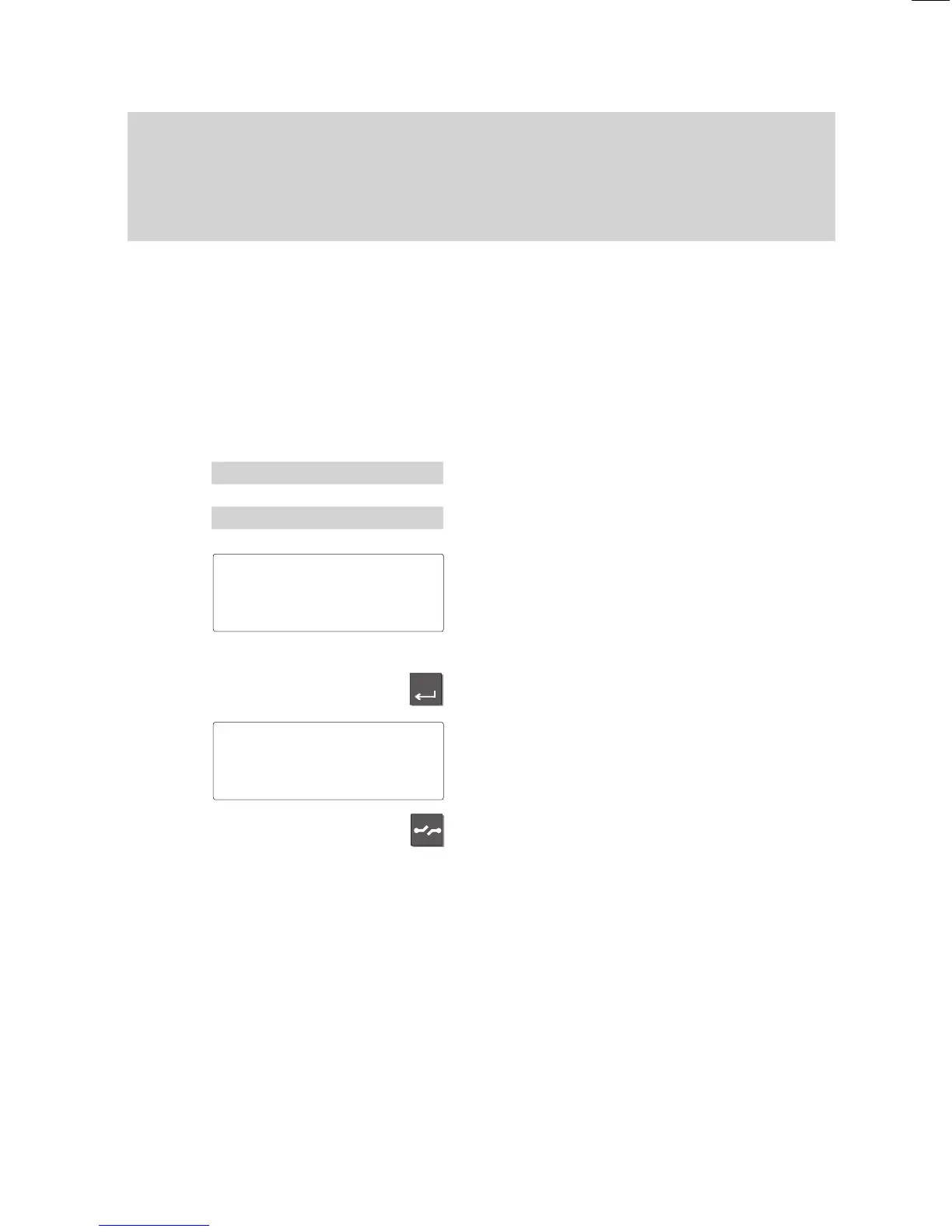
Enter
-
Familiarize yourself with your phone
13
How
to use this manual
A
Switching the menu item
The manual abbreviates this operation as
well:
”Switch the menu item to...”
Example:
Y
ou want to deactivate the ringing tone of
your phone. The default setting of this func
-
tion is ”On”.
Select the menu item ”Silence”.
Select the menu item ”Ringing tone ... On”.
The current setting is displayed for this
function.
Note:
If you press the ”Release” key
, the previous
function setting will remain active.
Press the ”Enter” key to change the set
-
ting.
The setting for this function has been
changed.
Press the ”Release” key to terminate input.
Optional functions
The symbol to the left indicates that the de
-
scribed function is not a standard feature of
your telephone.
Other functions may also be disabled. Con
-
sult your BOSCH TELECOM service repre-
sentative if you wish to use these func
-
tions.
Menu 'Silence
Ringing
tone
'On
Ringing tone
'On↓
Ringing tone
'Off↓



 To Next Page