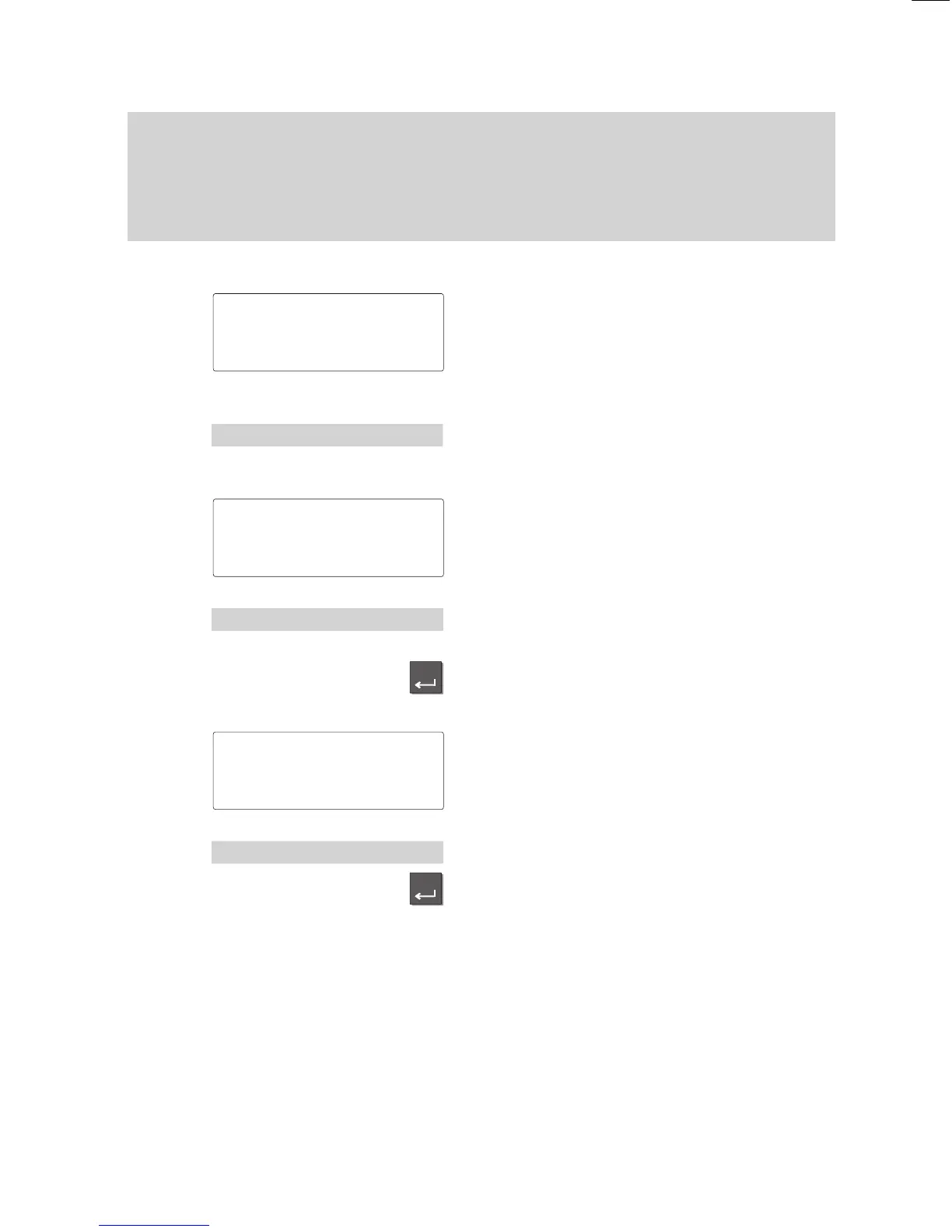
Enter
Enter
Familiarize yourself with your phone
23
Putting your telephone into operation
Select
language:
Before being able to use your telephone you must first define the
language for the display texts and minimail.
Select language for display and Minimail
The message shown to the left appears on
the idle display
.
Press the ”Enter” key to open the corres
-
ponsing menu item.
The display shows the languages available
for the display texts.
Select the desired language for the display
texts.
Confirm your choice. The display texts will
now appear in the selected language.
The display now shows the languages for
minimail texts.
Select the desired language for minimail.
Confirm your choice. The minimail texts will
now appear in the selected language.
Note:
Y
ou can change the language later on at
any time. Please find more details in the
chapter ”Audio, contrast and language set
-
tings“.
Status 'D/GB/F↑
Status 'D/GB/F↑
Sprache 'Deutsch↓
Sprache 'English↓
Mail
texts
'English↓
Mail texts
'English↓



 To Next Page