+
–
or
Enter
+
–
or
Receiving calls
39
Store all callers (Talk list)
The
talk list stores the numbers of all subscribers who called you and who you ac
-
tually talked to (max. 10). The most recent entry always appears in the first position.
Y
ou can retrieve and, if required, immediately dial specific call numbers. Call num
-
bers from the talk list can easily be reallocated to your telephone book.
Displaying talk list and dialing
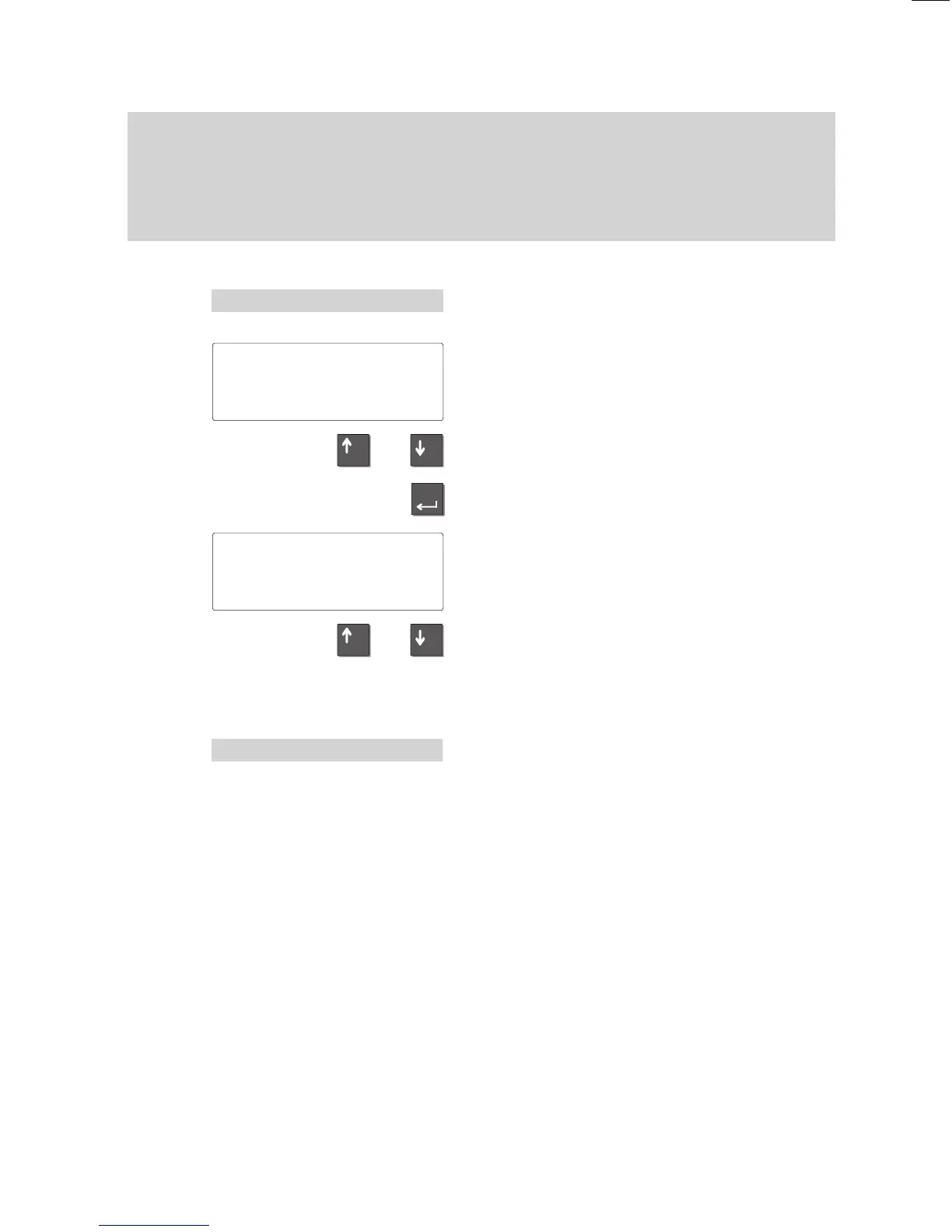
Select the desired menu item and press
“Enter”.
A list of all entries in the talk list appears.
The subscriber and time are displayed at
the end of the list.
Use the arrow keys to scroll through the
list.
If you have selected an entry from the list,
press “Enter” for more details on that entry
.
The
information shown
at the left appears in
your
display
.
Use the arrow keys to scroll through the
list.
Scroll
to display additional menu items (Dial,
Next entry, Reallocate, Delete, Delete all,
Return).
Select
the “Dial” menu item and press “En
-
ter” to dial the call number
.
Y
ou can now use the telephone as usual.
Note:
Y
ou can delete entries from the
call list at any time.
If a call number in the telephone book is
assigned a name, this name is displayed in
the talk list.
... 'Display talk list
Talk
list Entries 2
↓
300 10:32
Zipp 9:28
Date
09.07.98
10:32↓
Call number: 300
Dial
'Dial



 To Next Page