Enter
Enter
Setting up the telephone for your own specific needs
68
Diverting calls
You
can divert calls to other extensions in your system.
Y
ou can activate a second call diversion destination to divert calls only when your
line is busy
. Y
ou can set up two diversions for partners to divert the calls for a part
-
ner to your phone.
Setting up call diversion
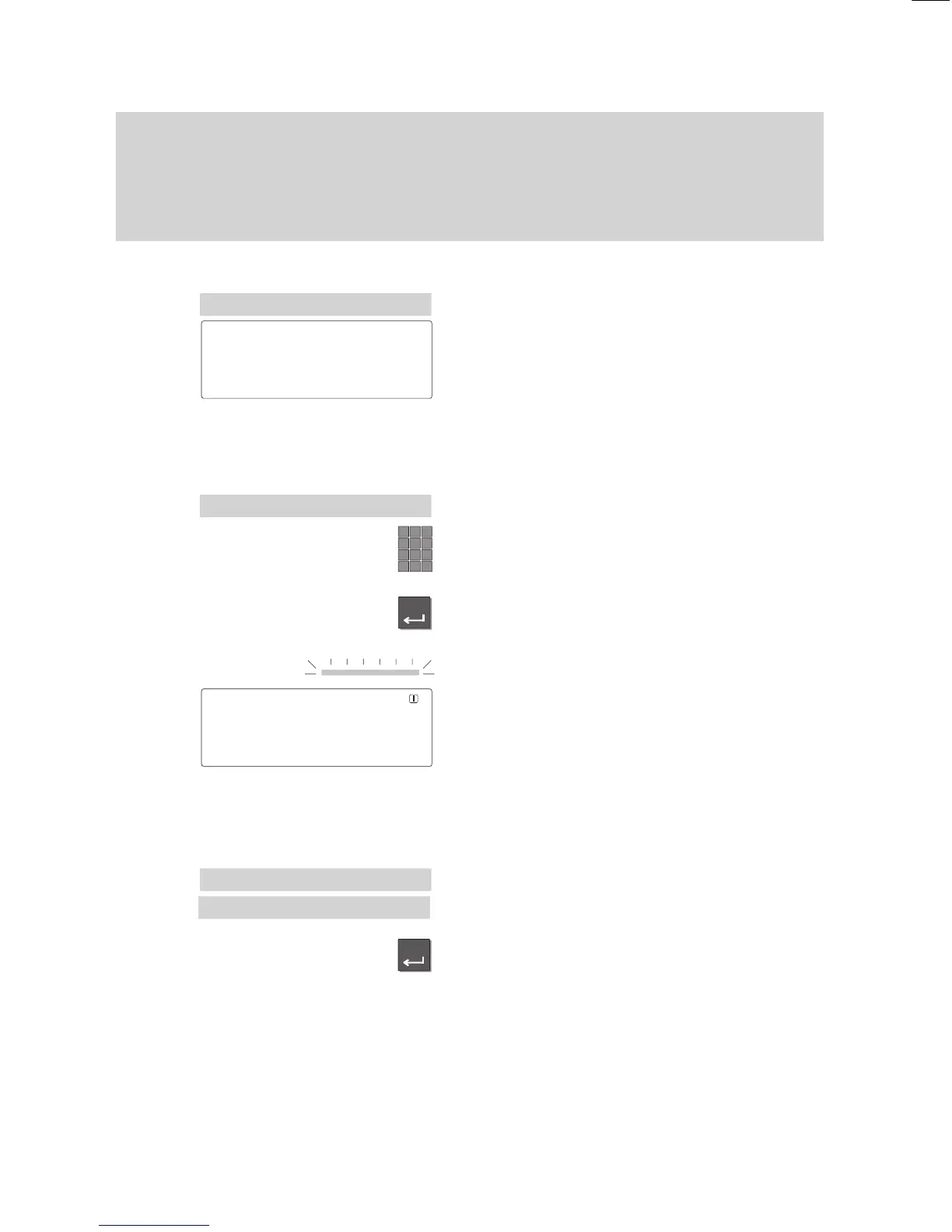
Select the menu item “Call diversion”.
Y
ou can choose one of the following three
options:
Div.:
Call diversion to other
phones within your system,
Div
. from:
Call diversion from a
partner to your phone,
Div. busy:
Call diversion when
your line is busy.
Select the desired menu item, e.g. “Div
.”.
Enter the call number of the desired diver
-
sion destination.
Press the “Enter” key to activate the call
diversion.
The LED should illuminate.
The status message in the display contains
the currently active call diversion.
Note:
Y
ou can set up several call diversion des
-
tinations by filling in several lines and ac
-
cepting the input with the menu item “End”.
Deactivating call diversion
Select the active call diversion.
This number is tagged with a “+” symbol.
Press the “Enter” key.
The LED goes out and the “+” symbol dis
-
appears.
The call diversion is no longer active.
Menu 'Call
diversion
Div. from
↓
Div. ↓
Status 'Div.3315↓
Menu '
Call diversion
Div. 3315
↓



 To Next Page