Enter
*
Setting up the telephone for your own specific needs
83
Adjusting audio and contrast
You
can modify various acoustic settings as well as the contrast of the display
. Y
our
telephone retains these settings for all calls.
Adjusting audio and contrast
Select the “Audio/Contrast” menu item in
the “Further settings” submenu and press
“Enter”.
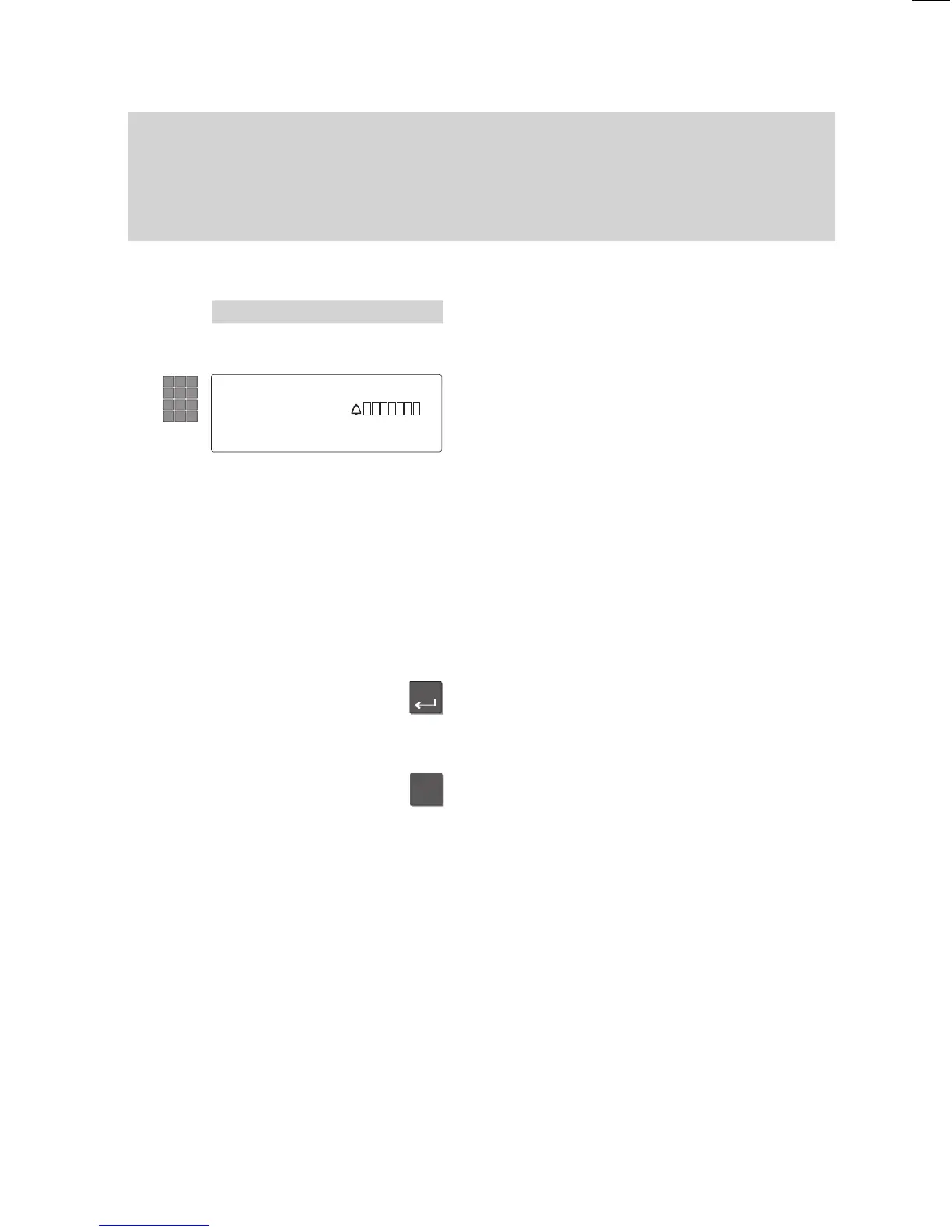
Use the number keys to enter the desired
volume from 1 to 8.
For example: ringing.
The following audio/contrast values may be
entered:
–Handset 1...4
–Loudsp. 1...8
–Hands–free 1...4
–Ringing 1...8
–Signal 1...8
–Alerting 1...8
–T
one rng
1...8
–T
one VIP
1...8
–Contrast 1...8
Press the “Enter” key to store.
The settings are then saved.
Note:
T
o reset a value to the normal setting (work
setting): Press the “Star” key
. The current
value will be reset to the pre–set value.
Menu 'Audio/Contrast
Ringing
1..8



 To Next Page