R
R
During a call
50
Several calls simultaneously
You
can alternate between conversations with several callers. Y
ou can switch back
and forth among these parties as desired.
Connections to a maximum of four parties can be established
simultaneously.
Initiating a consultation
Y
ou are on the phone.
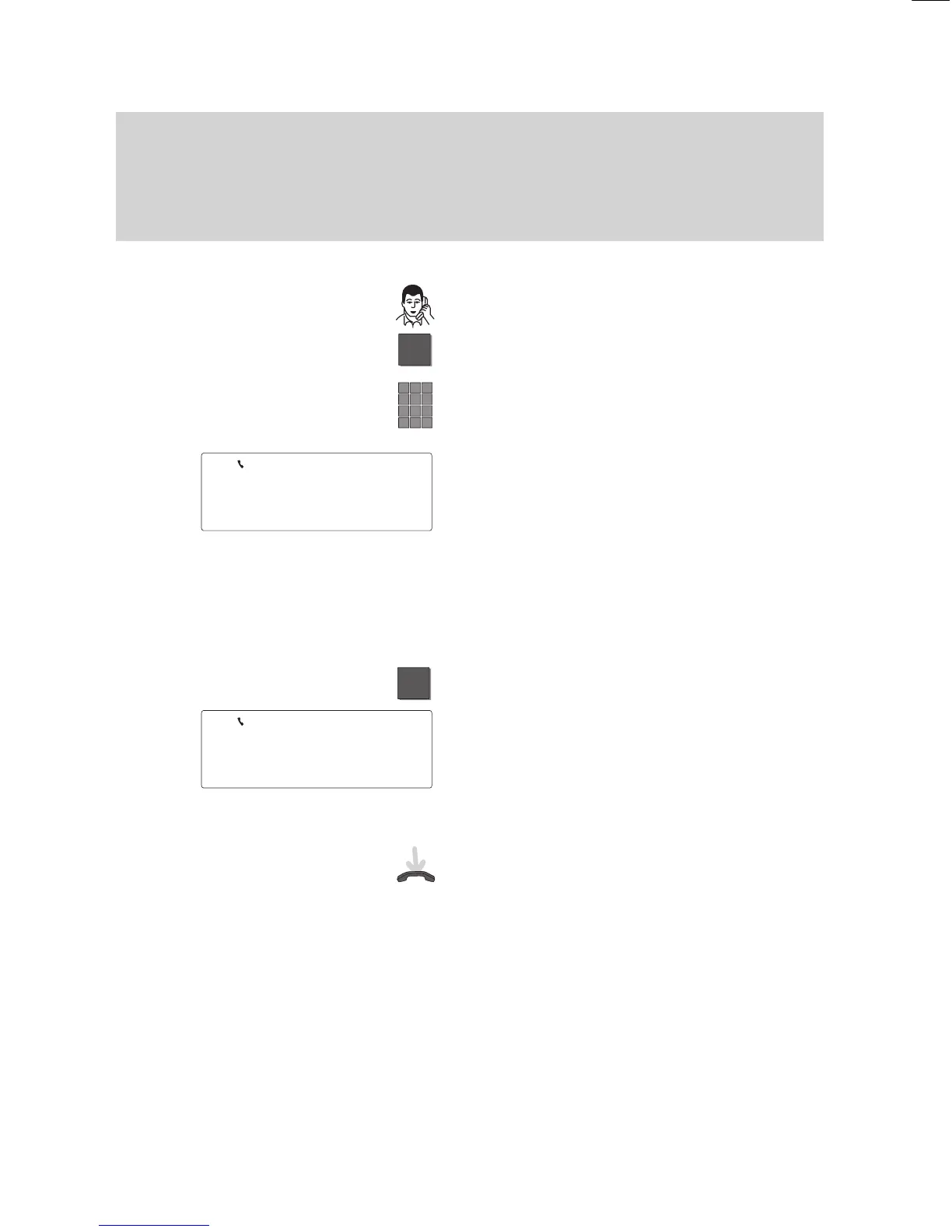
Press the “Refer back” key to initiate the
consultation.
Enter the number of the subscriber whom
you want to consult.
Y
ou can then speak with the refer–back
subscriber
. Y
our first call partner is waiting.
Note:
Y
our telephone can be set up in such a
way that you only need to press the partner
key to consult a partner (
→
Page 74).
An additional consultation is not possible
during this call.
Alternating between both call partners (mediate)
Press the “Refer back” key.
Y
ou have thus switched to the other call
partner
. The current call partner is shown in
the display
.
The flashing handset in the symbol line in
-
dicates that a call partner is in consultation.
Forwarding:
Replace the handset. Both subscribers are
then connected to each other
.
Note:
Y
ou cannot set up any more consultations
for an already existing consultation.
5587
BERT
5432 BOTT
↓



 To Next Page