Interchange
Enter
Interchange
During a call
48
Additional call during an existing call
You
can accept or refuse an additional call (call–waiting) during a connection.
Accepting a second call
Y
ou receive a second call while you are on
the phone.
Y
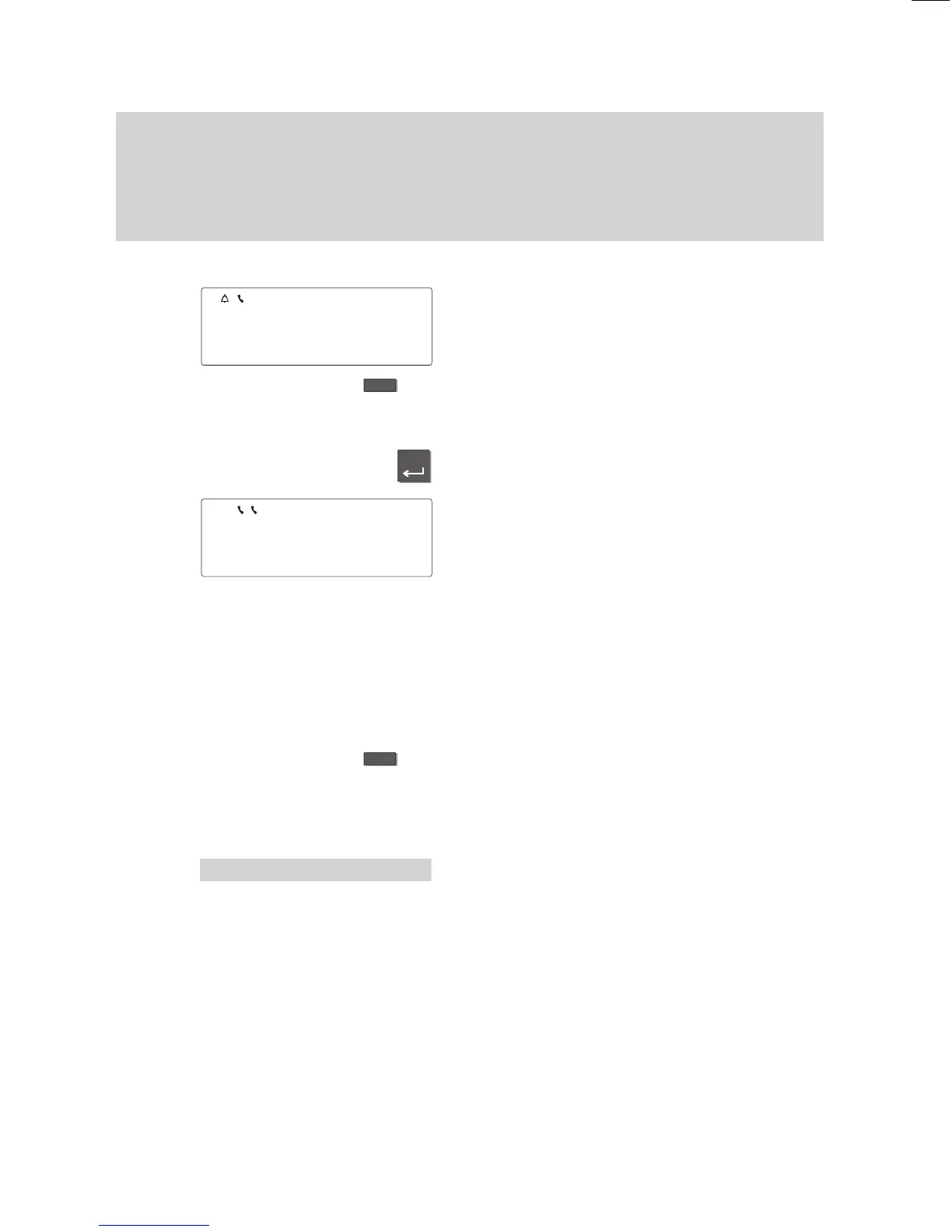
ou hear an alerting tone, and the bell
symbol flashes.
Press the “Interchange” function key
.
Y
ou see the name and call number of the
second caller
.
Press the “Enter” key to be connected to
the second caller
.
The flashing handset symbol indicates that
the first caller is waiting and can hear no
-
thing of your conversation.
Y
ou can now:
–
refuse the second call,
–
change between both call partners (
→
Page 50),
–
forward the caller (
→
Page
LEERER MERKER).
Alternating between first and second callers
Press the “Interchange” function key if you
want to alternate between both call part
-
ners.
Refusing the second call
Select the “Refuse call” menu item.
The caller then hears the busy signal.
Note:
Y
our telephone can only receive additional
calls if you have not activated the “Second
call of
f” menu item.
5597
BERT
±
5511 VOGT
↓
'
Refuse call
µ



 To Next Page