N
e.g.
Enter
–
Making calls
27
Dialing call numbers from the telephone book
You
can store call numbers in the electronic telephone book of your telephone. If
you wish to make a call, you can have the name or number displayed on the screen
or search through the entire telephone book.
Y
ou can also search through the main telephone book of your system (option).
Dialing a number stored in the telephone book
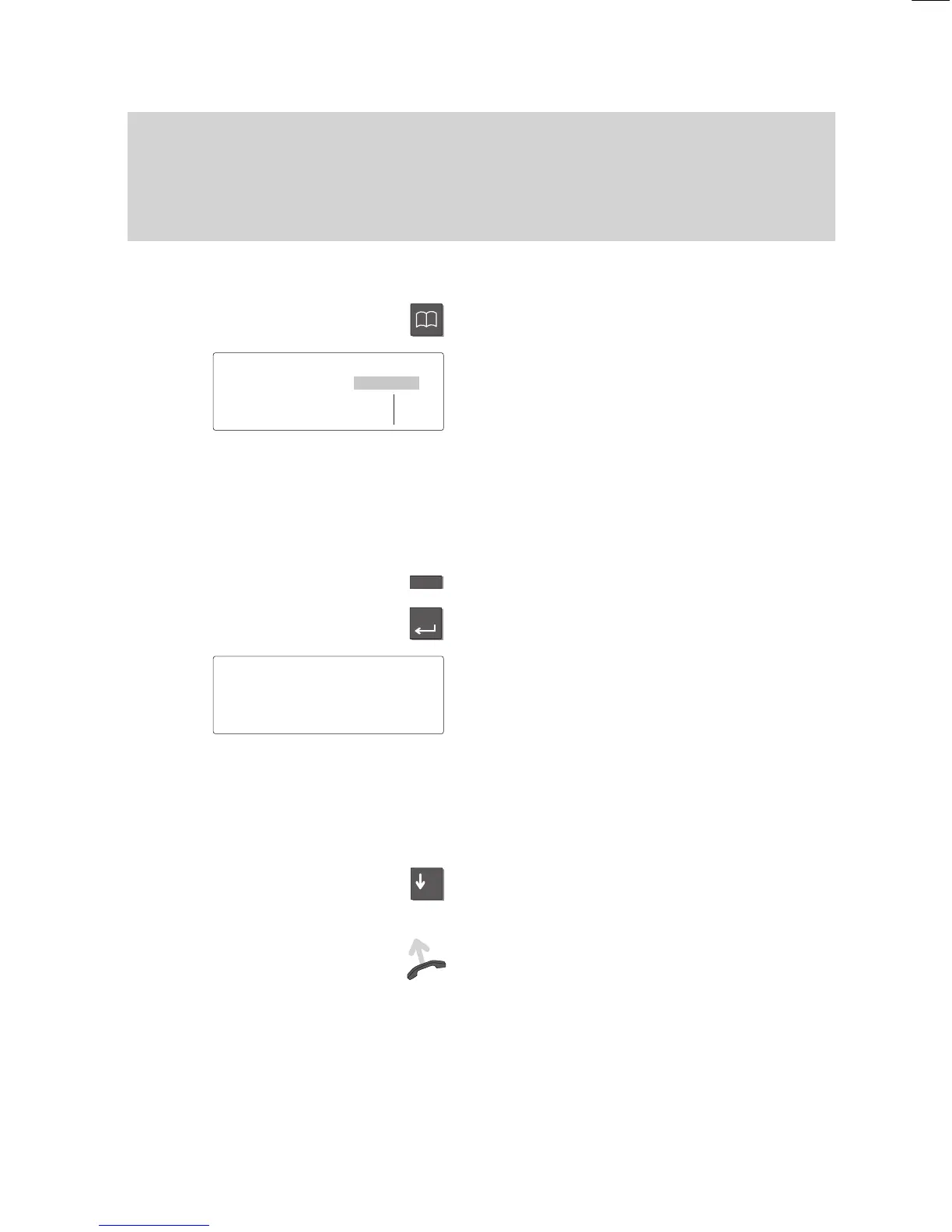
Press the “T
elephone book” key
. This calls
up the electronic telephone book.
Y
ou can now search for the desired entry
(storing call numbers
→
p. 60).
Main telephone book (
-
):
If you would like to use the “Continue main
TB” display key with the main telephone
book (METB), you can have this feature
set up by your Bosch Service.
Enter the first letter of the desired name.
Press the “Enter” key to confirm your
selection.
The display contains all entries that begin
with this letter
.
Note:
Y
ou can restrict the search: Enter a se
-
quence of consecutive letters contained in
the desired name.
Y
ou can also search using wildcards. “
*
Q“
searches for all entries that contain the let
-
ter “Q”.
Press the “Arrow down” key until the de
-
sired entry is highlighted.
Dial.
The selected number is dialed. Y
ou
can use your phone as usual when the
other party answers.
Note:
Select the menu item “Display lists” to se
-
lect an entry from a specific list in your pri
-
vate telephone book. Y
ou can now select
the desired list.
Local
TB search
↓
ABCD EFGH IJKL MNOP Corr
QRST UVWX YZ ÄÖÜß
↓
' NEWMAN 1234 ↓
NICHOLLS 987654
...



 To Next Page