S S S
–
Enter
Setting up the telephone for your own specific needs
85
Entering appointments
You
can program your phone to remind you of important appointments.
Y
ou can enter up to ten appointments, each of which can be activated and
deactivated individually
. Moreover
, you can easily define whether you wish to be
reminded only once or every day
.
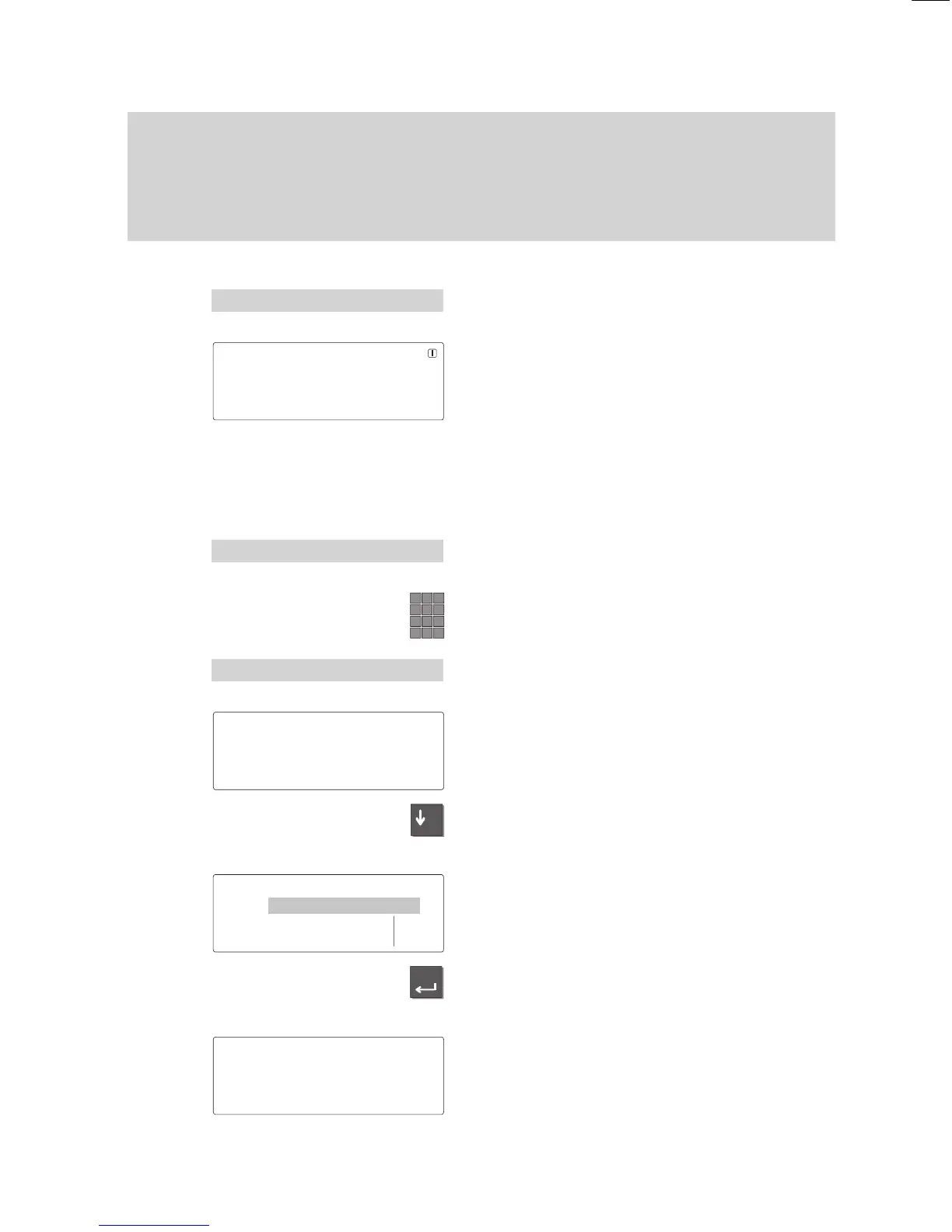
Display appointments
Select the menu item “Appointments”.
All existing appointments are displayed. “+”
indicates that the appointment is active.
Y
ou may now enter a new appointment or
select an existing appointment that you
wish to activate/deactivate, modify or
delete.
Entering a new appointment
Call the appointments up on the display
.
Select the menu item “Entry”.
Enter the appointment information.
Save your appointment.
Choose whether you wish to be reminded
of this appointment only once or daily
.
Scroll downwards to process the further
settings for this appointment. The appoint
-
ment is automatically set to ”On”.
Enter the desired text.
Press the ”Enter” key to store your input.
Y
our input is stored.
A corresponding message appears on the
idle display
.
Menu 'Appointments
+10.12.95
15:00
↓
'Entry
Spec. appointme...
'Store↓
Time: 15:00
↓
Date: 17.05.96
Appointment: once
Text: ↑
ABCD EFGH IJKL MNOP Corr
QRST UVWX YZ ÄÖÜß
↓
Status
'
Appmt. active
↑



 To Next Page