+
–
or
–
Receiving calls
41
Receiving minimail (Mailbox)
The
mailbox is a call list for texts. Here, callers can leave up to 10 short minimails.
The display will show you whenever you have received a new minimail.
V
iew mailbox
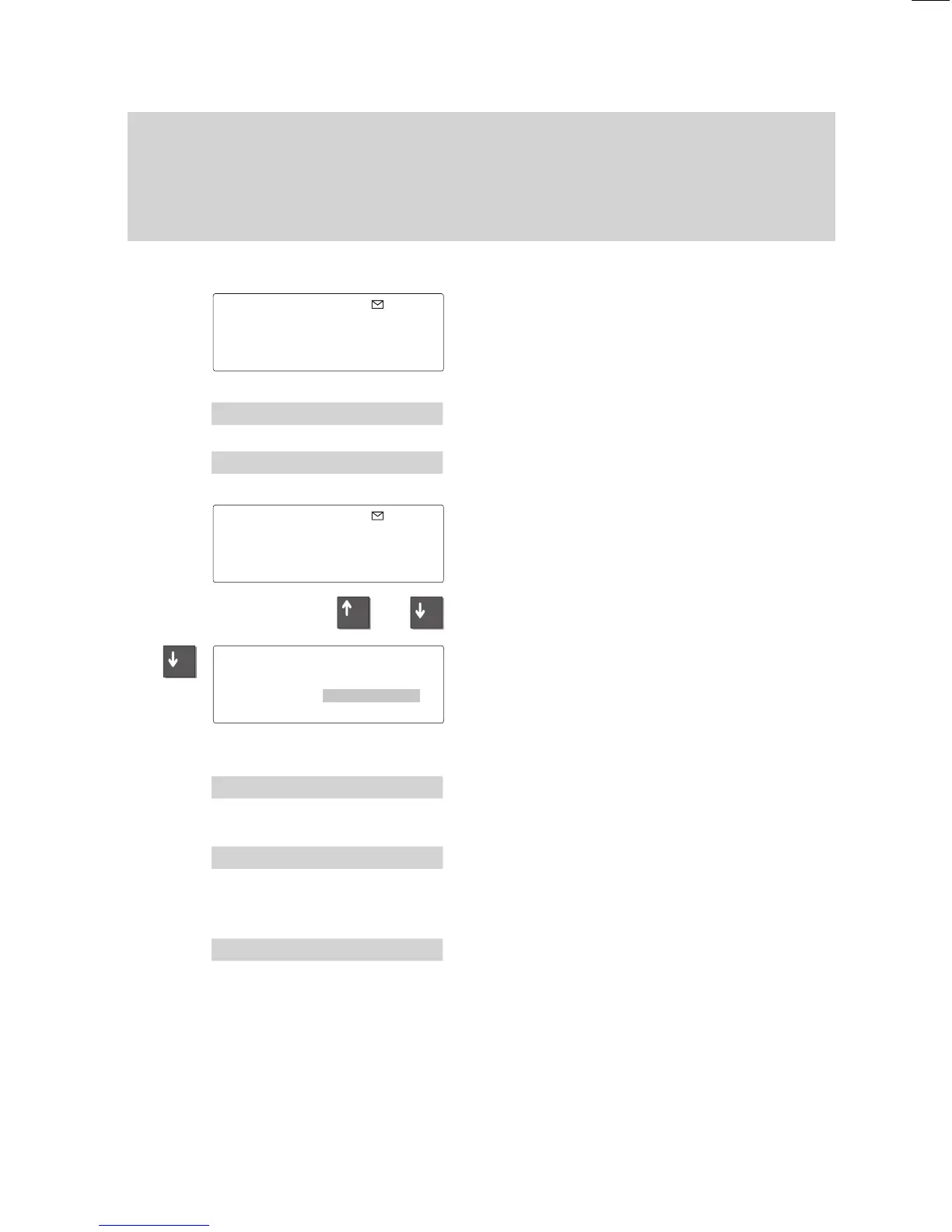
The envelope symbol appears in the idle
display indicating that you have received a
minimail message.
Select the “Message” submenu and press
“Enter”.
Select the “Mailbox” menu item and press
“Enter”.
A list of incoming Minimails is displayed.
The “Message” symbol disappears once
you have viewed all entries in the list.
Use the arrow keys to scroll through the
list.
Press the “Enter” key to select the desired
entry
. The message and the call number
and name of the sender are shown on the
display.
Scrolling:
Select the option ”Next entry”.
The next entry is displayed.
Delete entry:
Select the option ”Delete”. The entry is de
-
leted and the next entry will be displayed
automatically.
Delete all entries:
Select ”Delete all”.
The current contents of the mailbox will be
deleted.
Note:
Even if there is no new message you can
view the mailbox at any time.
14.05.96
11:11
Menu 'Message:
Mess.. 'Mailbox
Mailbox
Entries 2
↓
Call a taxi please Mey...
2 cup(s) of tea! Tim...
Date : 14.05.96 17:27
↓
Call number: 31
Name : Timmermann
'
Next entry
'Delete
'
Delete all



 To Next Page