Interchange
Enter
R
SAMM
Transfer
call
During a call
49
Additional call during an existing call
A
During a call, you can accept a second call and forward it to a subscriber within your
telephone system. Afterwards you will be automatically re–connected with your first
call partner
.
Forwarding a second caller
Y
ou receive a second call while you are on
the phone.
Y
ou hear an alerting tone, and the bell
symbol flashes.
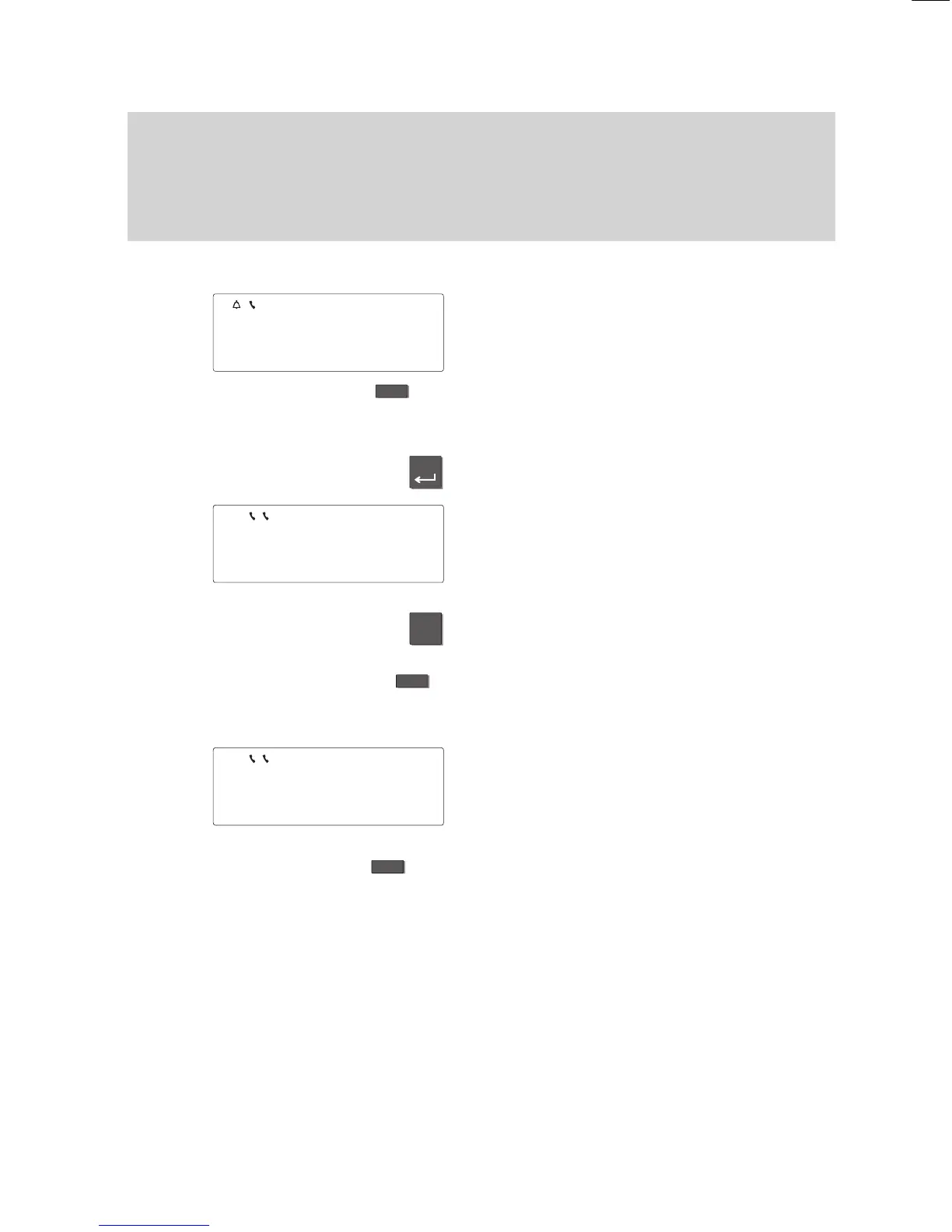
Press the “Interchange” function key
.
Y
ou see the name and call number of the
second caller
.
Press the “Enter” key to be connected to
the second caller
.
The flashing handset symbol indicates that
the first caller is waiting and can hear no
-
thing of your conversation.
T
o forward the caller:
Press the “Refer back” key to initiate the
consultation.
Enter the number of the subscriber to
whom you want to forward the call, e.
g.
press a partner key.
Y
ou can now announce the call. Both
handset symbols flash. Y
our first call part
-
ner is waiting.
T
ransferring the call:
Press the “T
ransfer call” function key
.
Both subscribers will be connected to each
other
, and you can continue your original
call.
Note:
A second caller cannot be connected to the
original call partner
.
5597
BERT
5511 VOGT
↓
5573 SAMM
↓



 To Next Page