2
ABC
I N K
Corr
Name: FIN
↓
ABCD EFGH IJKL MNOP Corr
QRST UVWX YZ ÄÖÜß
↓
Familiarize yourself with your phone
22
Basic
operating rules
A
Y
ou can enter texts using the softkeys. Y
ou can, for example, enter text for a tele
-
phone book entry
.
Entering text (Example: telephone book)
If you want to store a new entry in the tele
-
phone book, use the display keys to enter
the individual letters. Y
ou can choose from
several letters with each key.
Use the display key “↓
” to display further
letters.
Use the
digit keys with alphabetic
labeling
to enter the letters A to Z and the
digits 1 to 0.
Examples:
Entering the letter C: Press the digit key 2
twice.
Entering the digit 2: Press the digit key 2
four times.
Note:
If your telephone has
digit keys without
alphabetic labeling
, use the display keys
to enter the letters A to Z .
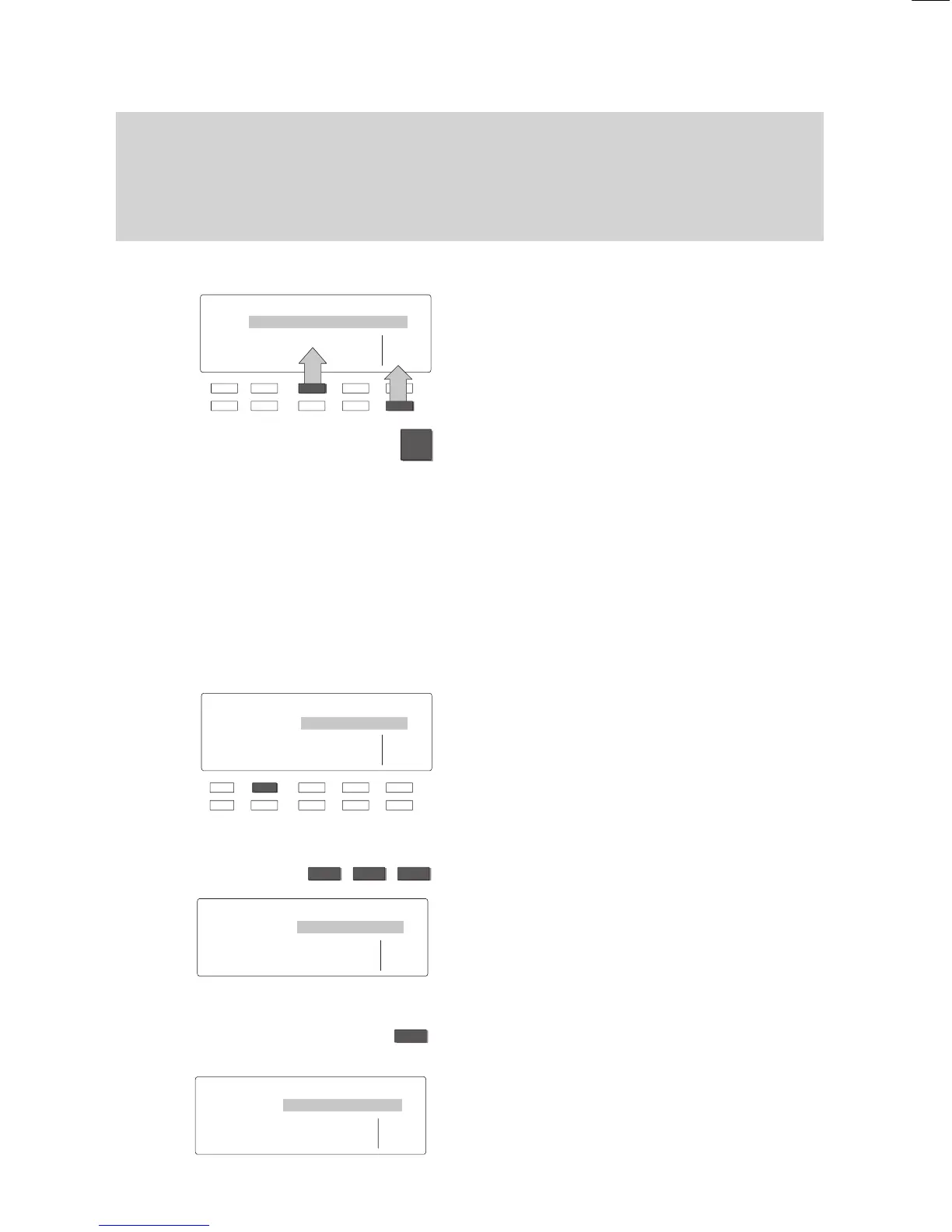
Enter the word “FINK” (for example):
T
o type in the “F”, press the corresponding
display key—shown here as the “F” key—
twice.
The selected letter is highlighted.
Enter the remaining letters:
“INK”.
The text appears in the display
.
If you make a mistake:
Press the “Correction” display key.
The most recently entered letter is deleted.
Y
ou can then type in the correct letter
.
Name ↓
ÄÖÜß
ÁÀÂÃ ÅÆÇ
ÉÈÊË Corr
íìîï ÑÓÒÔ ÕØÚÙ Ûÿ
X
↓
Local TB search
↓
ABCD EFGH IJKL MNOP Corr
QRST UVWX YZ ÄÖÜß
↓
Name: FINK
↓
ABCD EFGH IJKL MNOP Corr
QRST UVWX YZ ÄÖÜß
↓



 To Next Page