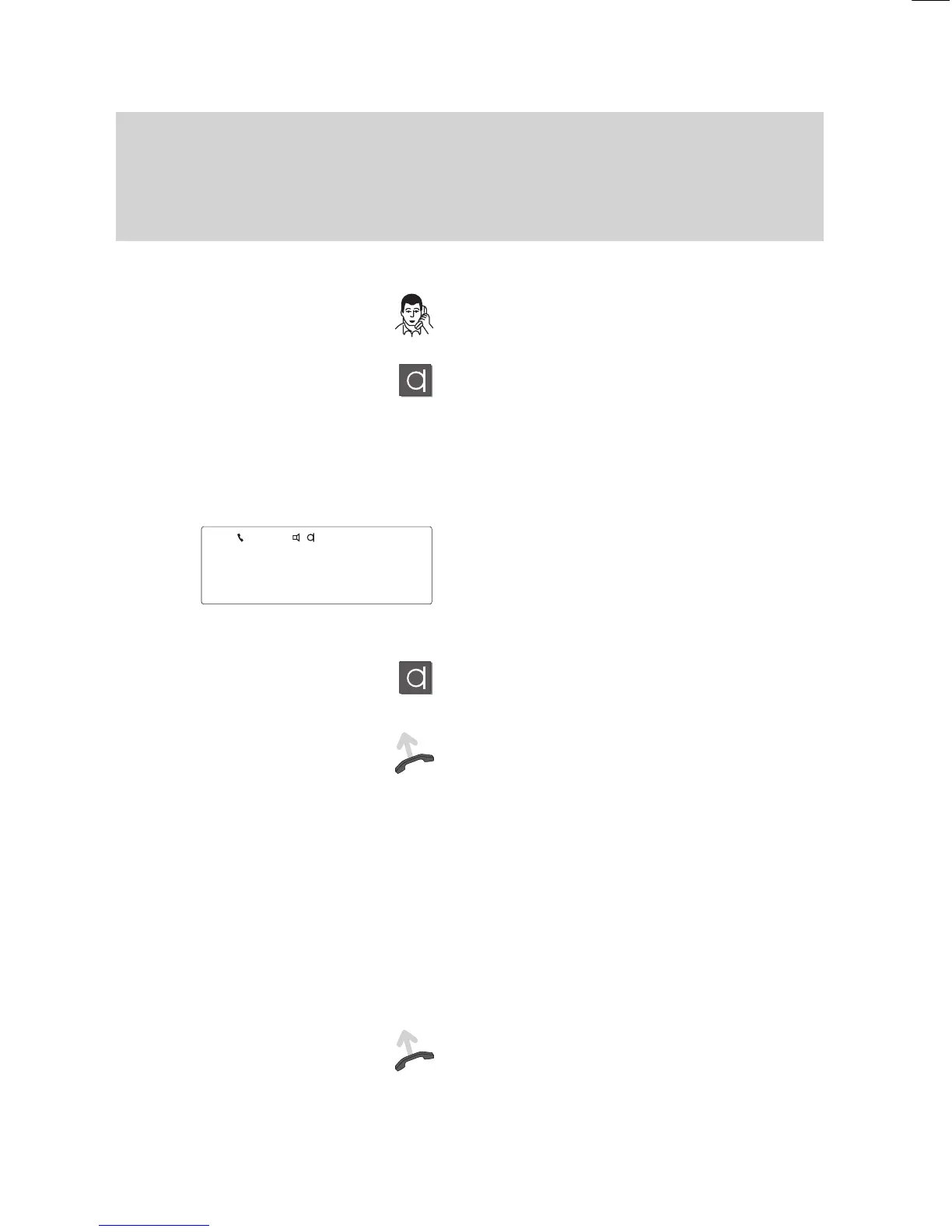
During a call
44
Handsfree
A
Using the telephone with the handset on–hook (handsfree mode)
Y
ou are on the phone.
Press the “Handsfree mode” key.
Y
ou and your call partner hear two short
tones, which indicate that you have activa
-
ted “Handsfree mode”.
Note:
Always tell your call partner that you have
activated handsfree mode!
Y
ou will then hear your call partner through
the loudspeaker on your phone.
Y
ou can now replace the handset. The
symbols for loudspeaker and microphone
appear in the first line of the display
.
Ending the call:
Press the “Handsfree mode” key.
Deactivating handsfree mode:
If you want to continue the conversation
using the handset: Lift the handset.
Note:
The quality of the handsfree call can be
impaired if
–
the background noises in the room are
too loud,
–
the transmission lines are highly attenua
-
ted (this can occur
, for example, with
analogue external connections),
–
if a strong echo is generated on the line
during long–distance calls.
If any of these occur
, lift the handset to
continue the call undisturbed.
5595



 To Next Page