'
Loudsp. 1...8
'
Hands–free 1...4
Enter
Setting up the telephone for your own specific needs
78
Handsfree
equipment
A
If your telephone possesses comfort handsfree equipment, handsfree talking, when
switched on, will automatically be set to your surroundings by a measuring signal. If
your call partner informs you of a less than optimal transmission quality
, you can
use the balancing at any time manually
.
Using the handsfree equipment
Press the “Handsfree” key to switch to
handsfree mode during a call.
Press the key again to switch it of
f.
Operating the handsfree equipment from the telephone
Y
ou can adjust the volume of the handsfree
equipment—as well as switch the micro
-
phone on or of
f—from the telephone.
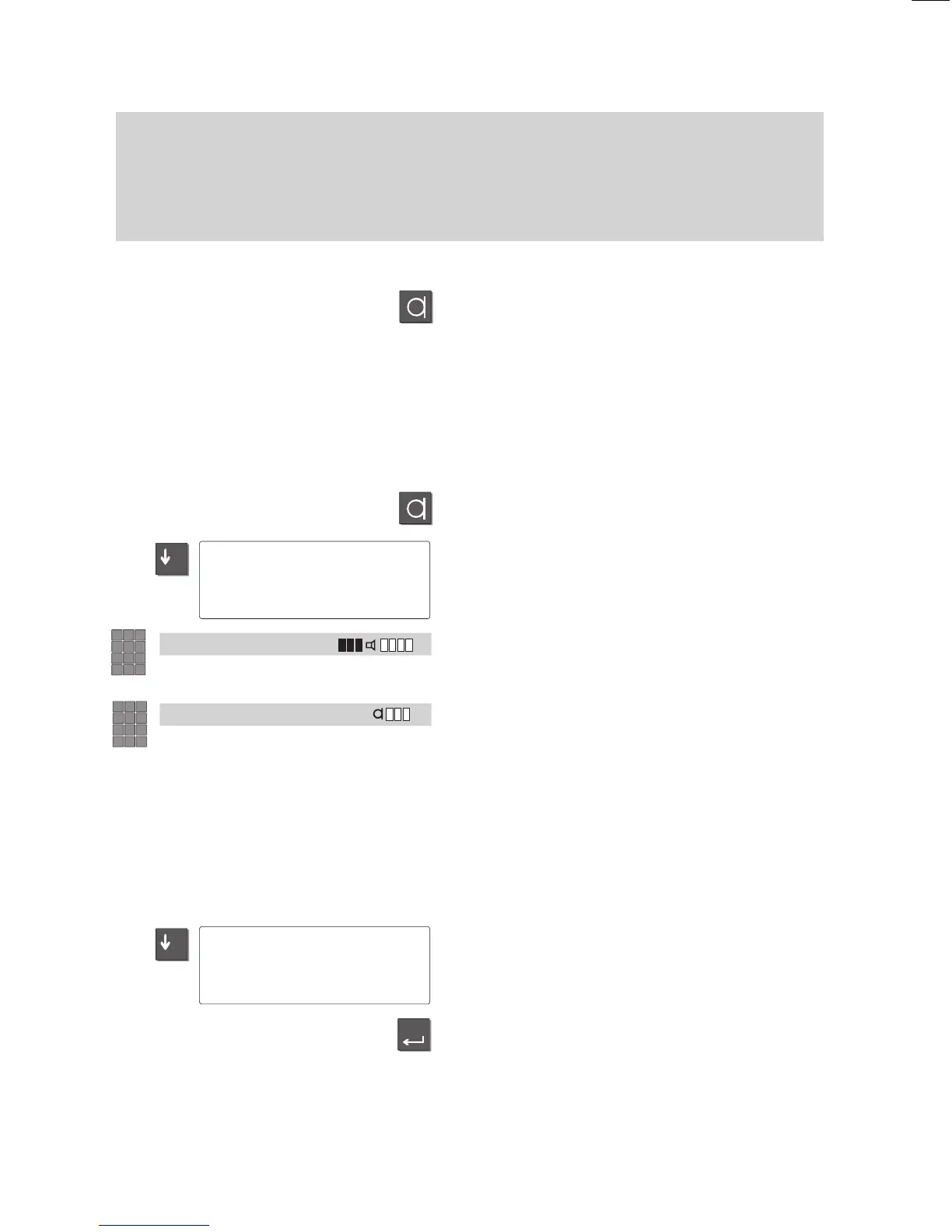
Press the “Handsfree mode” key.
Use the “down arrow” to select the “V
o-
lume” menu item and press “Enter”.
Loudspeaker volume:
Press the number keys 1..8;
1: quiet; 8: loud;
Microphone sensitivity
Press the number keys 1..4;
1: low microphone sensitivity;
4: high microphone sensitivity;
Deactivating the handsfree microphone
If you want to consult your colleagues in
your of
fice during a call with the handsfree
equipment, you can temporarily turn of
f
your telephone’
s microphone.
Use the “down arrow” key to select the“Mi
-
crophone Of
f/On” menu item during the
call.
Press the “Enter” to turn the microphone of
f
(or back on).
–
Dialhhhh 'Volume
–
317 'Microphone
Off/On



 To Next Page