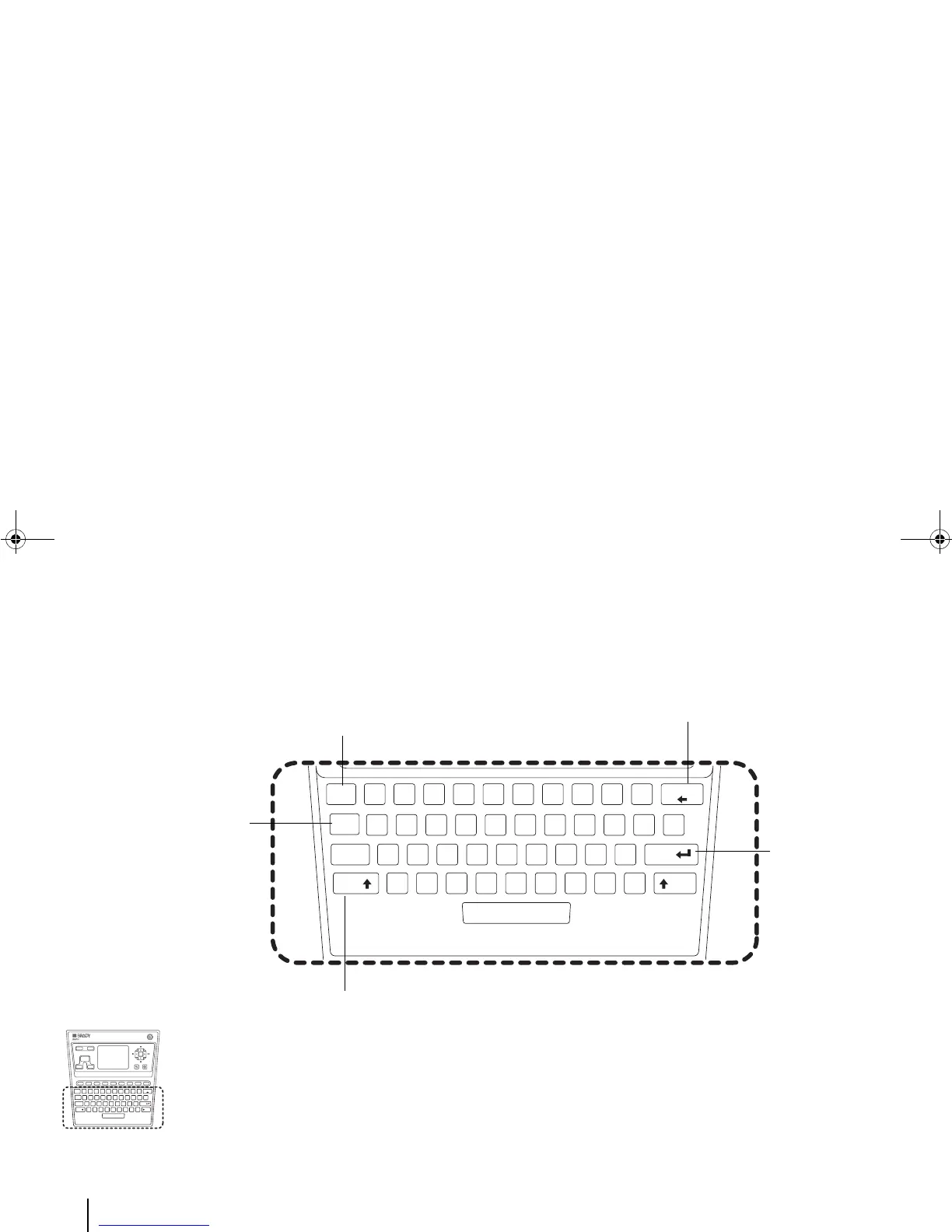
<Esc> key: Cancel the current changes and
return to last Menu (same as <Return>); or
Close the Message Windows (same as
<Cancel>).
<Fn> key: Access additional
functions (e.g. enter
common symbols) when
pressed with another key
(with golden yellow text on
it).
<Backspace> key: Delete the
character on the left to the cursor in
the Editor.
<Enter> key:
Confirm a selected
item on the LCD
screen.
<Shift> key: Access additional functions (e.g. enter common
symbols) when pressed with another key (with white text on it).
Example 1:
To enter a symbol such as “+”, press the [Fn] key and the key that
has a yellow “+” on it at the same time, in other words, press [Fn] +
[O].
To enter a symbol such as “$”, press the [Shift] key and the key that
has a white “$” on it at the same, in other words, press [Shift] + [4].



 To Next Page