Wraptor A6200 User Manual 16
Setup
Loading Ribbon
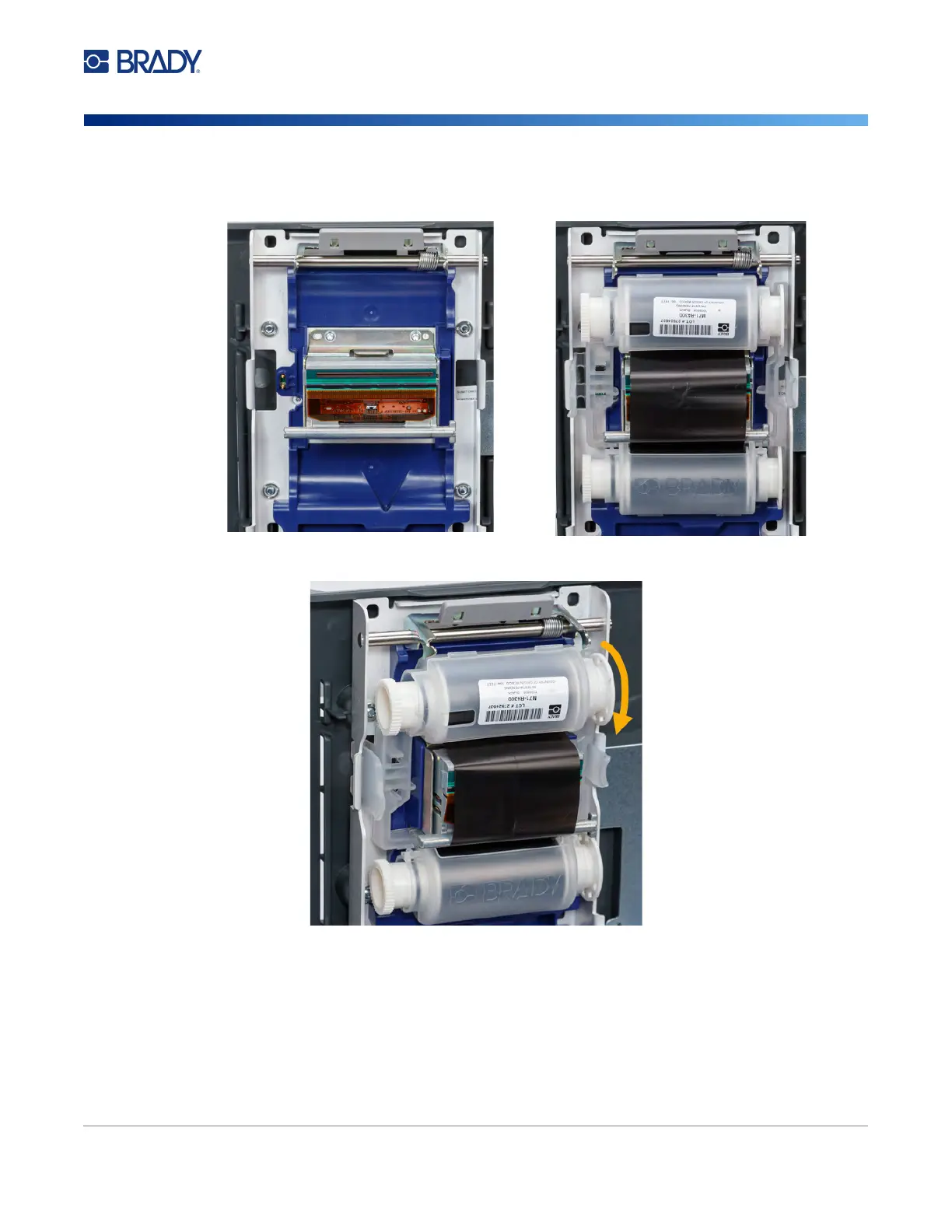
3. Orient the new cartridge as shown above with the label on the top and the Brady logo on the
bottom. Grasp the finger tabs and place it directly over the print head, pushing slightly to snap
it into place.
If the ribbon cartridge has been used, turn the top spool to wind used ribbon onto the spool
leaving only new, unused ribbon exposed.
4. Close the cover until it latches.
You can see what ribbon is currently installed and how much ribbon remains in the status bar on the
touch screen. See “Using the Touch Screen” on page 25 and “Material Details” on page 26.



 To Next Page