Wraptor A6200 User Manual 41
Maintenance
Cleaning
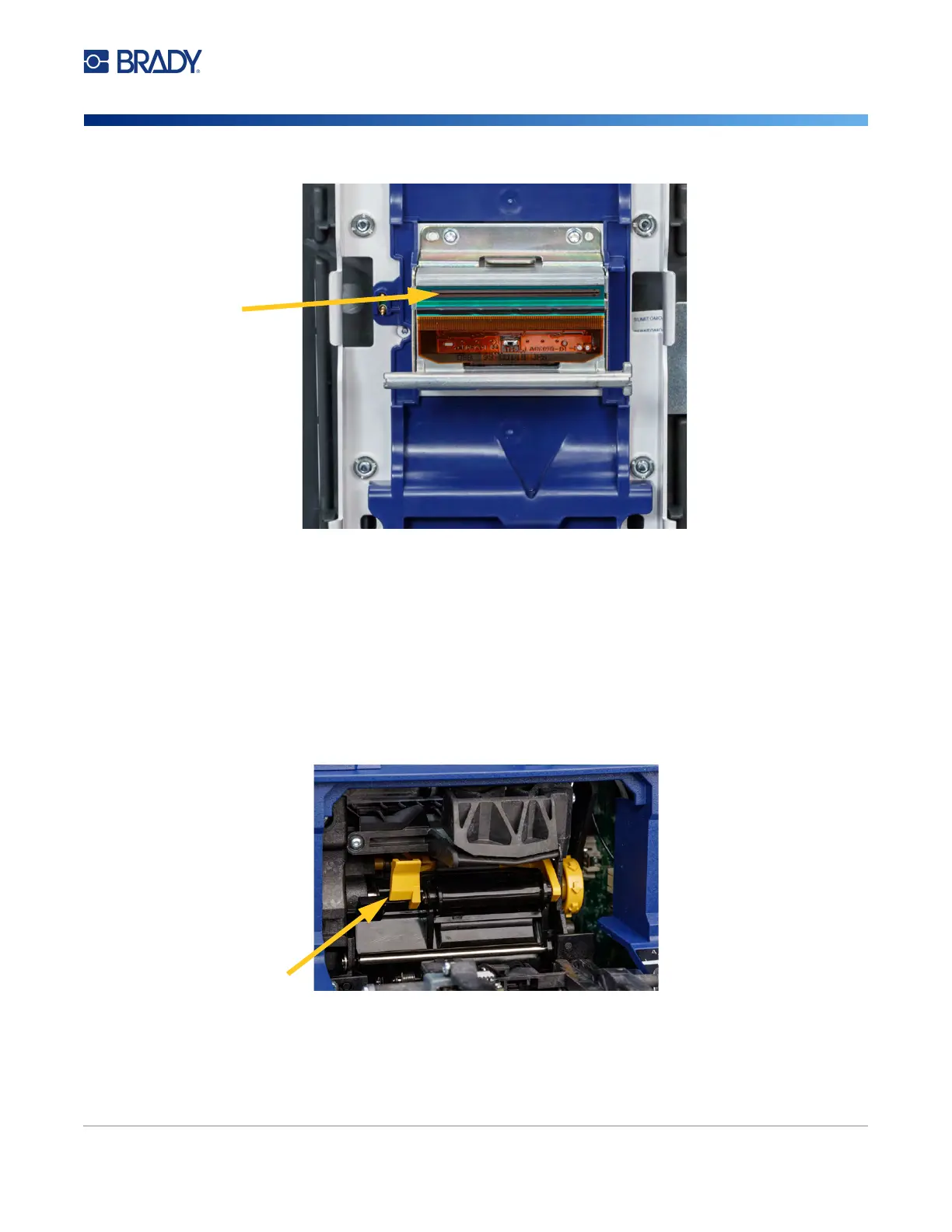
5. Using the moistened swab, thoroughly clean the top surface of the print head.
6. Replace the ribbon and close the cover.
Cleaning the Rollers and Peel Plate
Rollers move and guide the label supply through the printer. Also see “Cleaning the Tarp” on page 39.
To clean the rollers:
1. Turn off the printer and unplug it.
2. Press the gray button on the front of the printer to open the wrapper module.
3. Remove the label supply. See “Loading Label Supply” on page 17.
4. Press the yellow button to the lower left of the peeler to open the peeler door.
5. Dip a cotton swab in the isopropyl alcohol.k
peeler door closed



 To Next Page