Wraptor A6200 User Manual 43
Maintenance
Cleaning
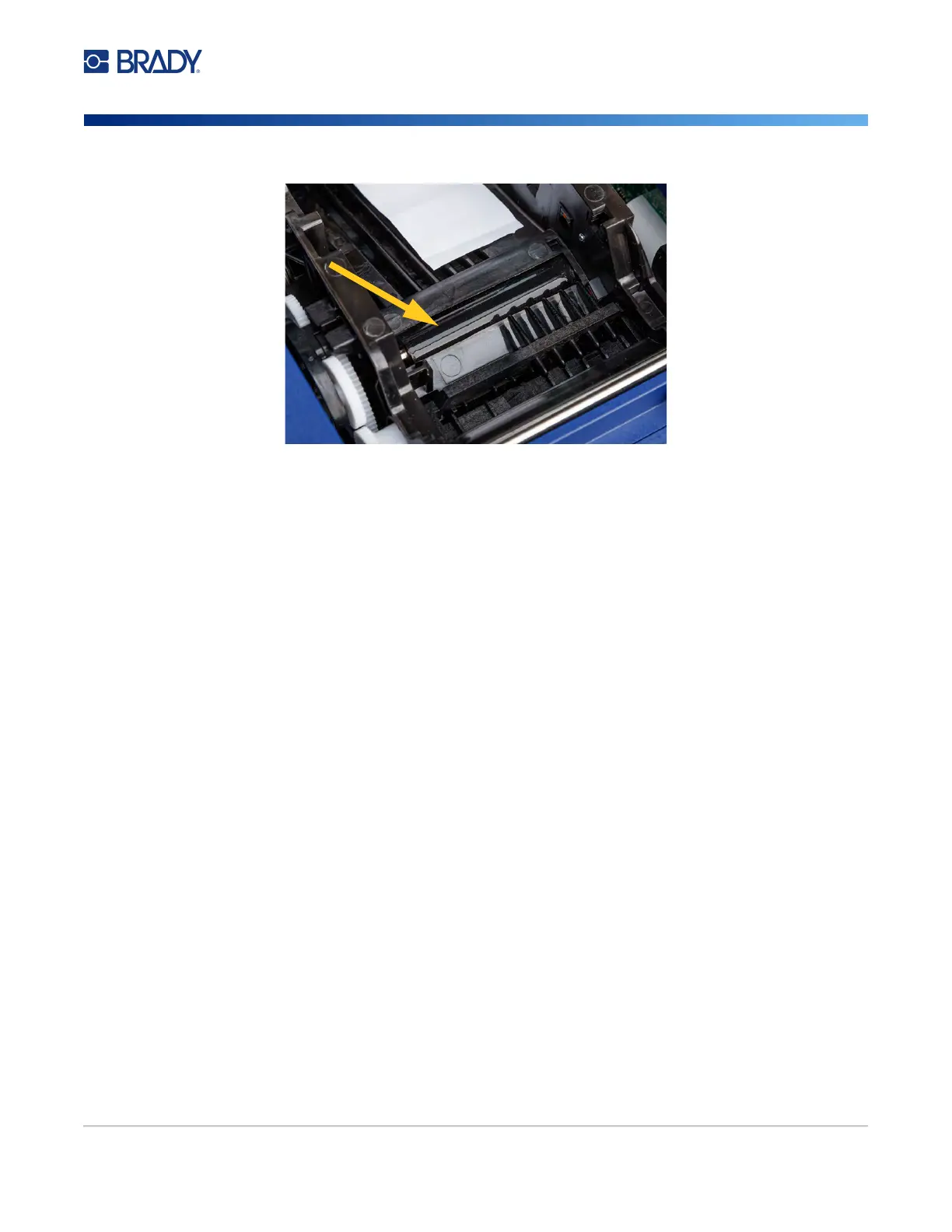
10. Use the moistened swab to clean the platen roller.
Cleaning the Sensors
The printer contains the following sensors that should be cleaned every six months to one year.
• Label notch sensor in the printer chassis
• Ribbon out sensor in the printer chassis
• Smart cell contacts in the cover behind the ribbon
• Trigger sensors on the wrapper module
To clean the sensors:
1. Turn off the printer and unplug it.
2. Open the top cover and the wrapper module. (Press the gray button on the front of the printer
to release the wrapper module.)
3. Remove the ribbon and label supply. See “Loading Ribbon” on page 15 and “Loading Label
Supply” on page 17.



 To Next Page