Wraptor A6200 User Manual 48
Troubleshooting
Wrap is not applied correctly
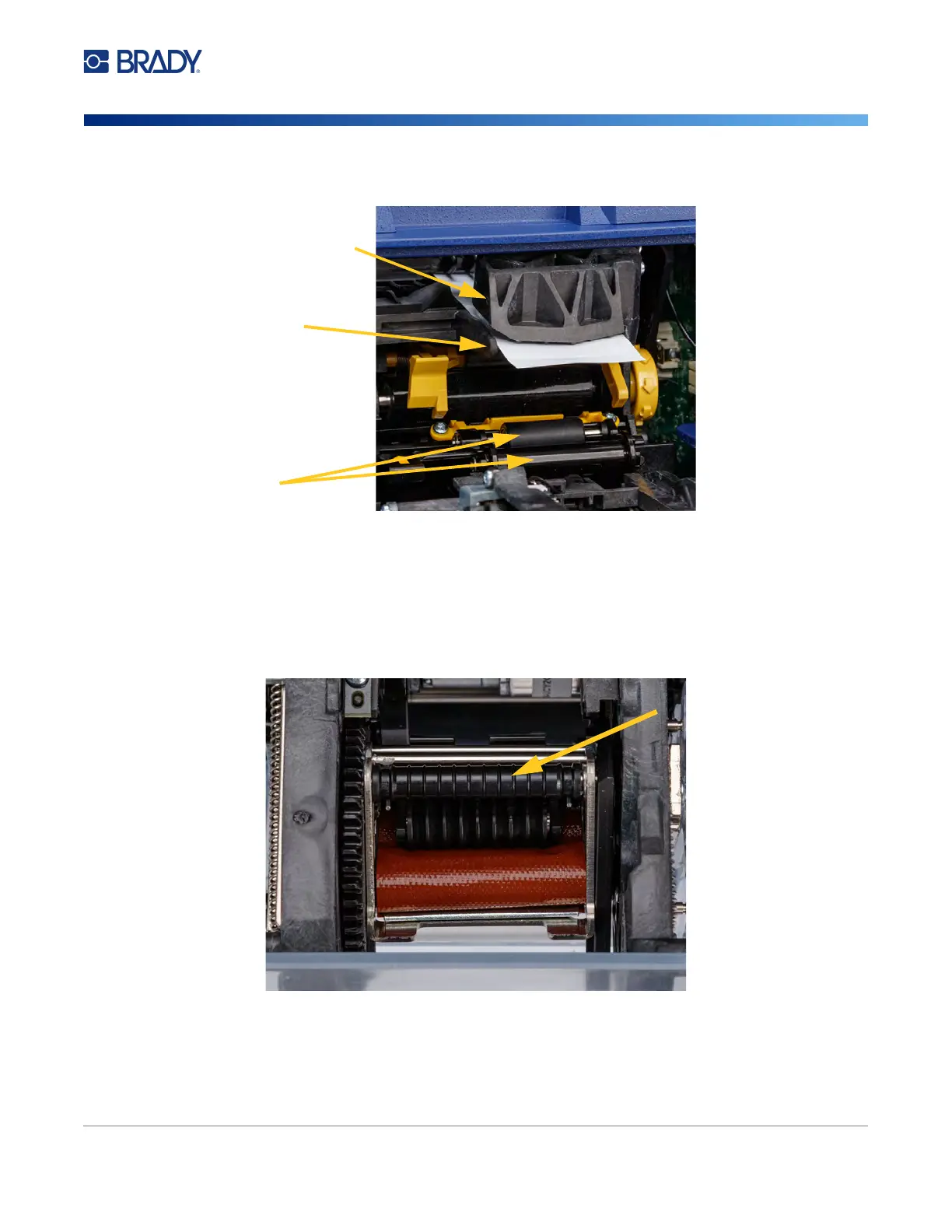
• Labels may be stuck in the peeler area or to the rollers below the peel plate. Remove stuck labels
and any adhesive residue. See
“Cleaning the Rollers and Peel Plate” on page 41
.
• Make sure the label supply is loaded correctly and is not wrapped around the rollers. See
“Loading
Label Supply” on page 17
• The label notch sensors may need to be cleaned. See
“Cleaning the Sensors” on page 43
.
• The grooved roller may be dirty or have adhesive residue. On the touch screen, tap
Load Supplies
and then tap
Clear Jam
. Tap
Feed Supply
and observe whether the labels flow freely on the
grooved roller. If not, clean the roller with isopropyl alcohol and a cotton swab. See
“Cleaning the
Rollers and Peel Plate” on page 41
peel assist plate
peel plate
rollers



 To Next Page