www.bresser.de
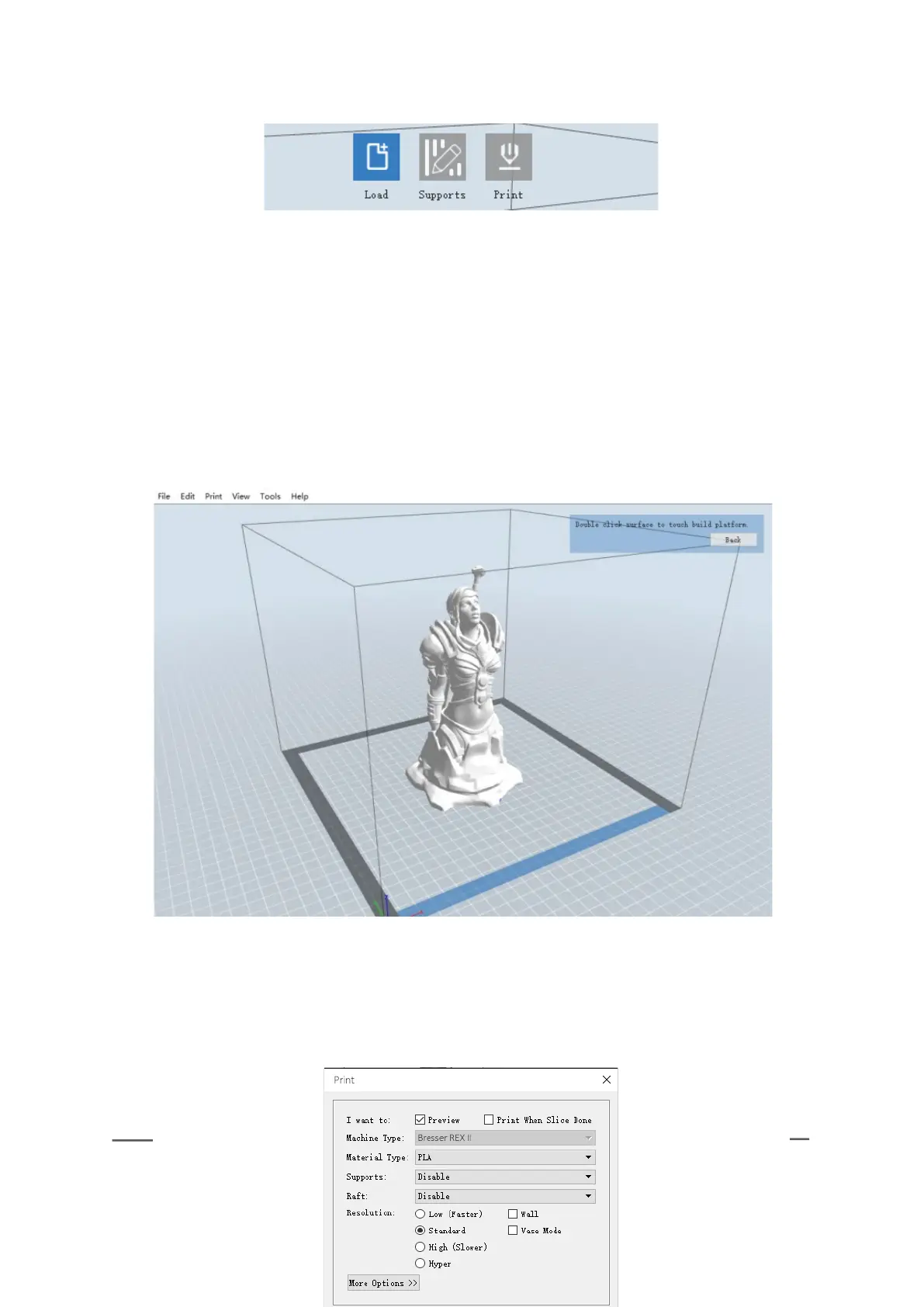
(7-4) Click [Edit] > [ Surface to Platform] to optimally position your model in
the print area. Click [Back], then double-click the Move icon, and then click [On
the Platform] and [Center] to make sure that the model is on the platform.
Note: If you have placed the model in the correct position, you can skip
the step described above.
(7-5) Click the [Print] icon at the top. You can make the necessary settings for
your print job.
7-3
7-4



 To Next Page