DE | 38 Menu and settings // Display Remote // Display Central
27.2 Error indications of the Display Central display unit
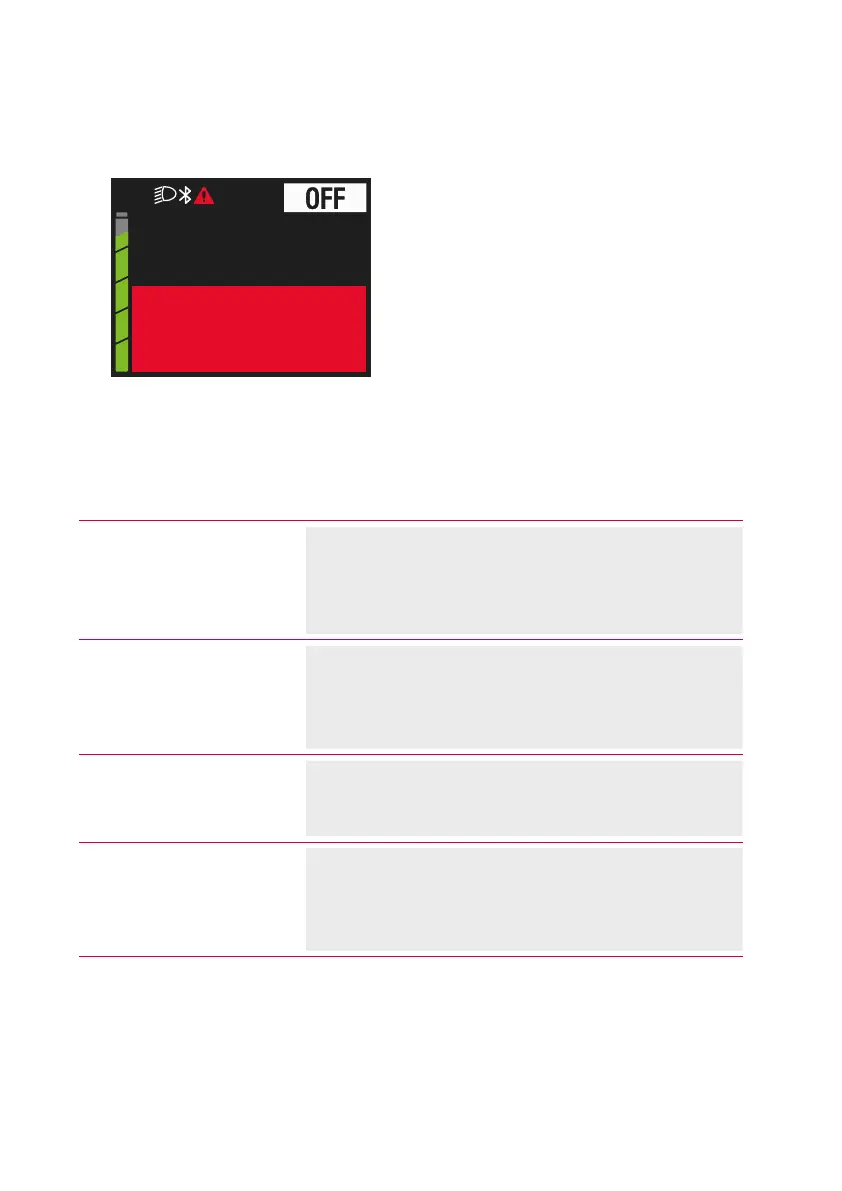
kmh0.0
Check
Speed Sensor
Fig. 12: Example of error message
Indication on the display Remedy
Check Speed Sensor
Switch off the Brose Drive System.
Check the speed sensor and the position of the
magnet.
Restart the Brose Drive System.
Check Light
Switch off the Brose Drive System.
Check all lines and plug connections of the front
and/or rear lighting system.
Restart the Brose Drive System.
Restart System
Restart the Brose Drive System.
If the problem persists, contact an authorised
Brose dealer.
Check Brake Light
Switch off the Brose Drive System.
Check all lines and plug connections of the brake
system.
Restart the Brose Drive System.



 To Next Page