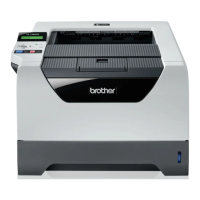
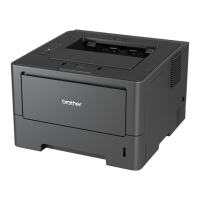
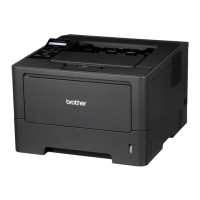
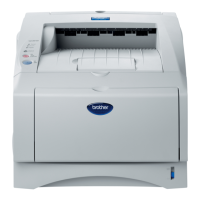
HL-5240/5250DN/5270DN/5280DW SERVICE MANUAL
Confidential
7-15
2. HIDDEN FUNCTION MENUS
The three hidden function menus are provided for the HL-5270DN/5280DW printer with the LCD.
• Professional Menu: by pressing the Go and Set buttons at the same time.
• Reset Parts Life Menu: by pressing the Go and + buttons at the same time.
• Service Menu: by pressing the + and Set buttons in this order while holding down the Go
button.
The method to enter the special mode by the button operation is as follows:
<Pressing the 1 button when the printer is turned ON>
Panel Function
Go To Users Mode
Reprint Continuous test printing
+ Version Check
- Hex Dump Mode
Set Initializing the NVRAM
<Pressing the 2 button when the printer is turned ON>
Panel Function
Set & Back Rewriting the Flash ROM
Go & + Checking the hardware (DRAM check, etc.)
Go & Back
- & + Factory Line Inspection Mode
Go & Set Clearing the E50 (FUSERMULF)
<Pressing the 2 button in the normal status>
Panel Function
Go & + RESET PARTS LIFE (Clearing the counters of the periodical
replacement parts)
Go & Set Professional Menu
- & Set Indicating the error descriptions (The details of the service call or
paper jam occurrence section are indicated in English.)
<Others in the normal status>
Panel Function
Go & (+, Set) Service Menu (Acquiring the service information such as the
number of replacement or paper jam occurrence, error, etc.)
Go & (-, +, Set) Developer Menu (Setting the specific function for the engineers)


 To Next Page
 Loading...