Brother PC-FAX Software (MFC models only)
100
5
e To include a cover page, click Cover Page On.
You can also click the cover page icon to create or edit a cover page.
f Click Start to send the fax.
• If you want to cancel the fax, click Stop.
• If you want to redial a number, click Redial to scroll through the last five fax numbers, choose a number,
and then click Start.
Sending a file as a PC-FAX using the Simple style user interface 5
a Create a file in any application on your computer.
b Click File, then Print.
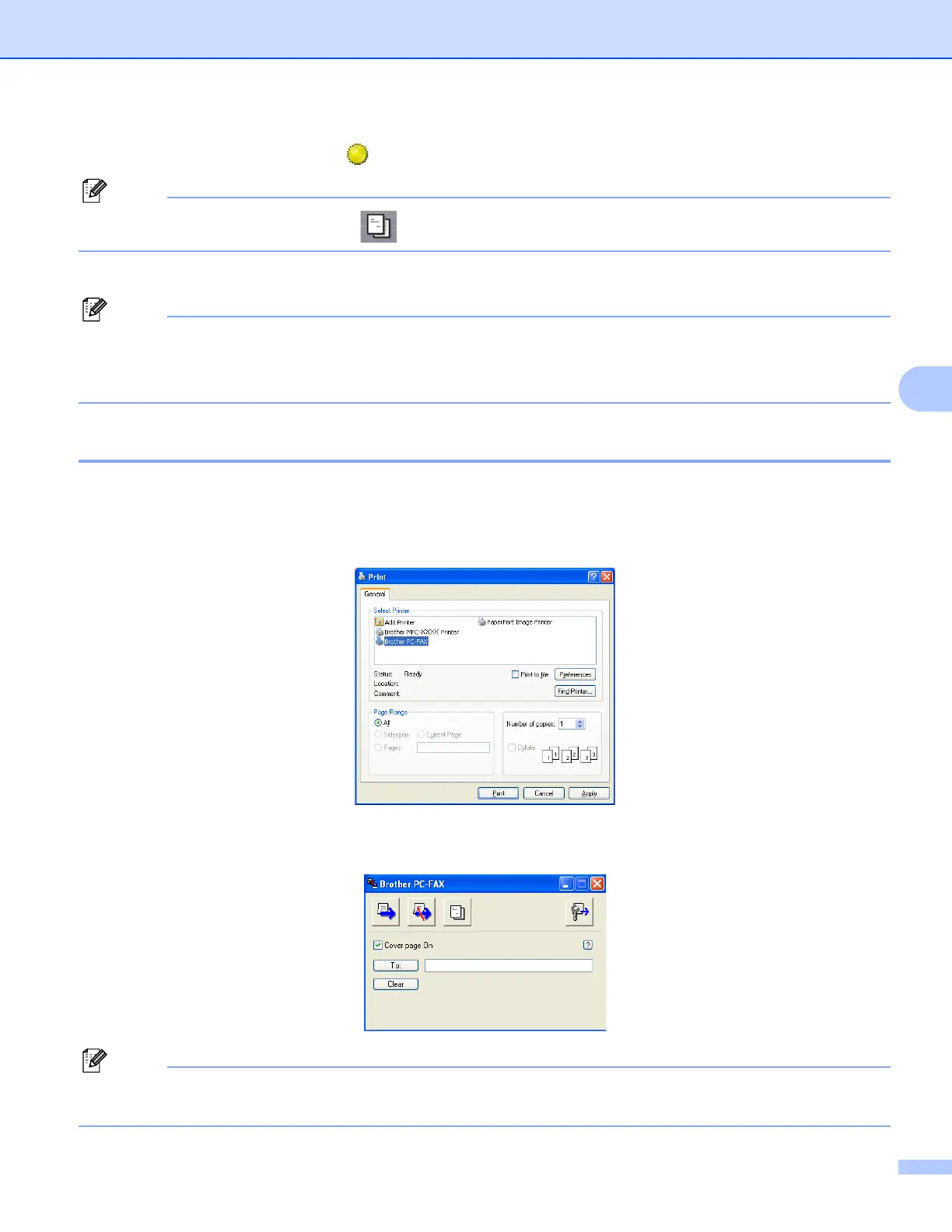
The Print dialog box appears:
c Choose Brother PC-FAX as your printer, and then click Print.
The Simple style user interface appears:
If the Facsimile style user interface appears, change the user interface selection setting. (See Sending
setup uu page 97.)

















 To Next Page