Scanning
158
9
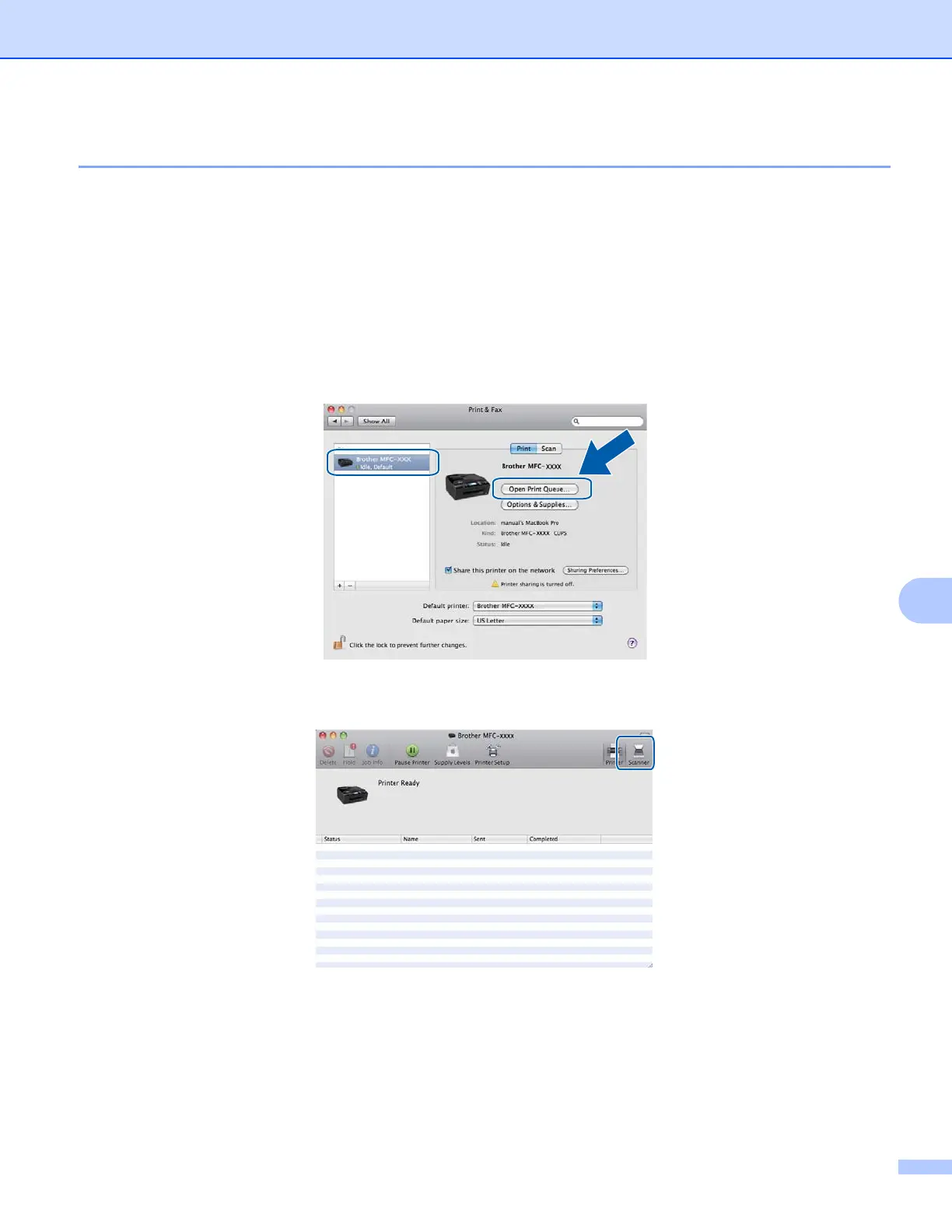
Scanning directly from the Print & Fax section 9
If you have already added your Brother machine in the Print & Fax section, you can scan directly from there.
Please follow the steps below:
a Connect your Brother machine to the computer using a USB cable. Or connect your Brother machine to
the same LAN (if you are using a network model) or Wireless LAN where the computer is connected.
b Select System Preferences from the Apple Menu.
c Click on the Print & Fax icon.
d Select the machine from the list on the left side of the screen and click on Open Print Queue.
e Click on the Scanner icon.

















 To Next Page