S-7300A
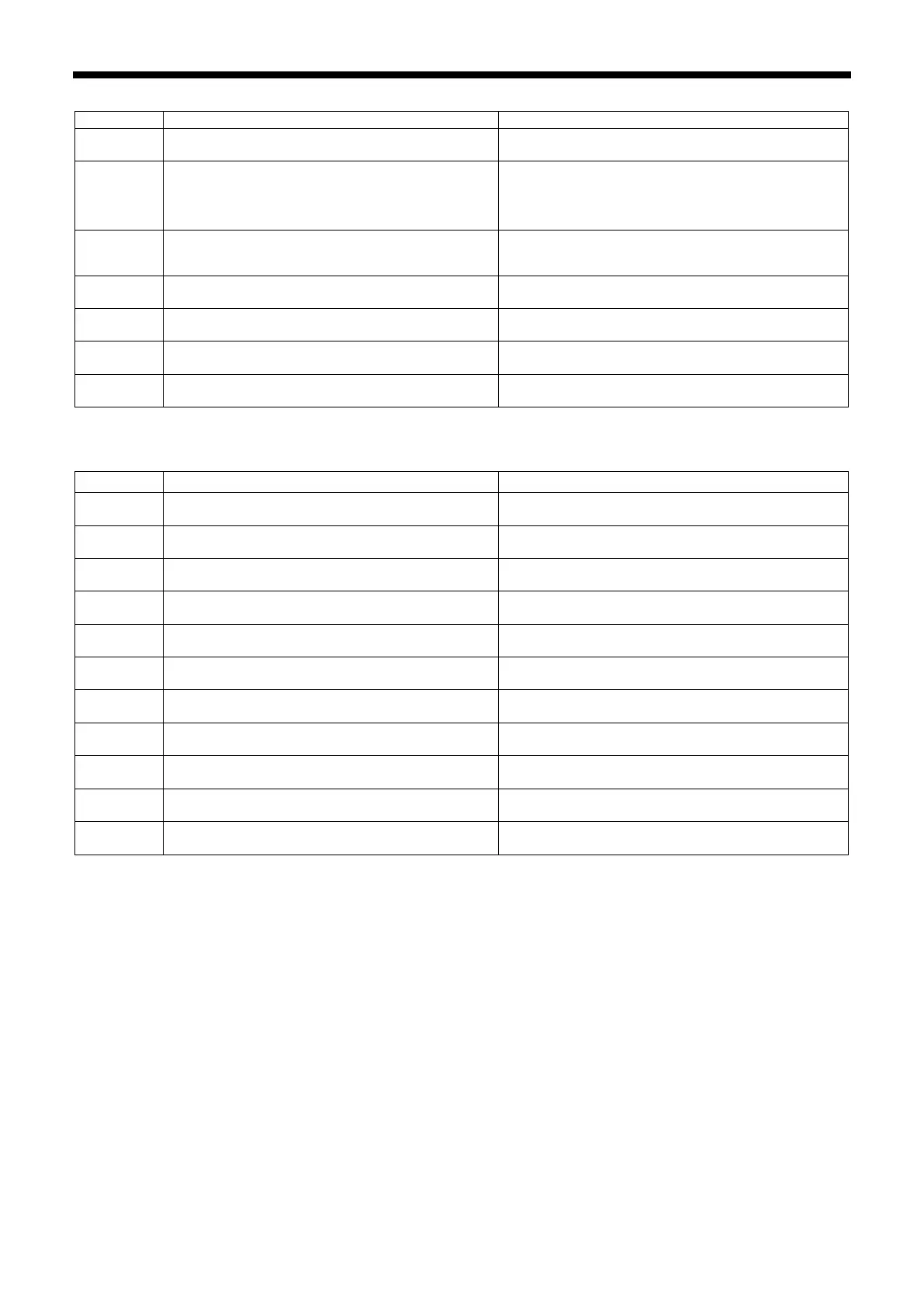
P.C. board-related errors
Abnormal rise in power supply voltage was
detected when power was turned on.
Turn off the power and check the power supply
voltage.
Abnormal rise in sewing machine motor power
supply voltage was detected.
・
Turn off the power and check the power supply
voltage.
・
Turn off the power and check the connection of
connector P13.
Abnormal drop in power supply voltage was
detected.
Turn off the power and check the power supply
voltage.
Power supply signal could not be detected when
power was turned on.
Turn the power off and then back on again.
Abnormal sewing machine motor current was
detected.
Turn off the power and check the connection of
connector P5.
Abnormal electrical current for feed motor is
detected.
Turn off the power and check the connection of
connector P4.
Abnormal solenoid mechanism current detected
when solenoid was activated.
Turn off the power and check the connection of
connector P1.
Version updating errors
Version update request could not be received when
power was turned on.
Turn off the power and check the connection of
connector P2.
Communication error was detected during main
version update.
Turn off the power and check the connection of
connector P2.
No USB medial connected when power was turned
on.
Turn off the power and check the connection of the
USB media.
Version update file could not be detected in USB
media when power was turned on.
Turn off the power and then check that the version
update file is contained in the USB media.
Problem with version update file detected during
version updating.
Turn off the power, and then repeat the version
update procedure.
Version update file could not be read from USB
media during version updating.
Turn off the power and check the connection of the
USB media.
Problem with version update file detected during
version updating.
Turn off the power, and then repeat the version
update procedure.
Version update file could not be written during
version updating.
Turn off the power, and then repeat the version
update procedure.
Error sending or receiving version update file.
Turn off the power, and then repeat the version
update procedure.
Incorrect data written to flash memory.
Turn off the power, and then repeat the version
update procedure.
Error occurred during version update.
Turn off the power, and then repeat the version
update procedure.
If an error code that is not listed above appears or if carrying out the specified remedy does not solve the problem,
contact the place of purchase.



 To Next Page