S-7300A
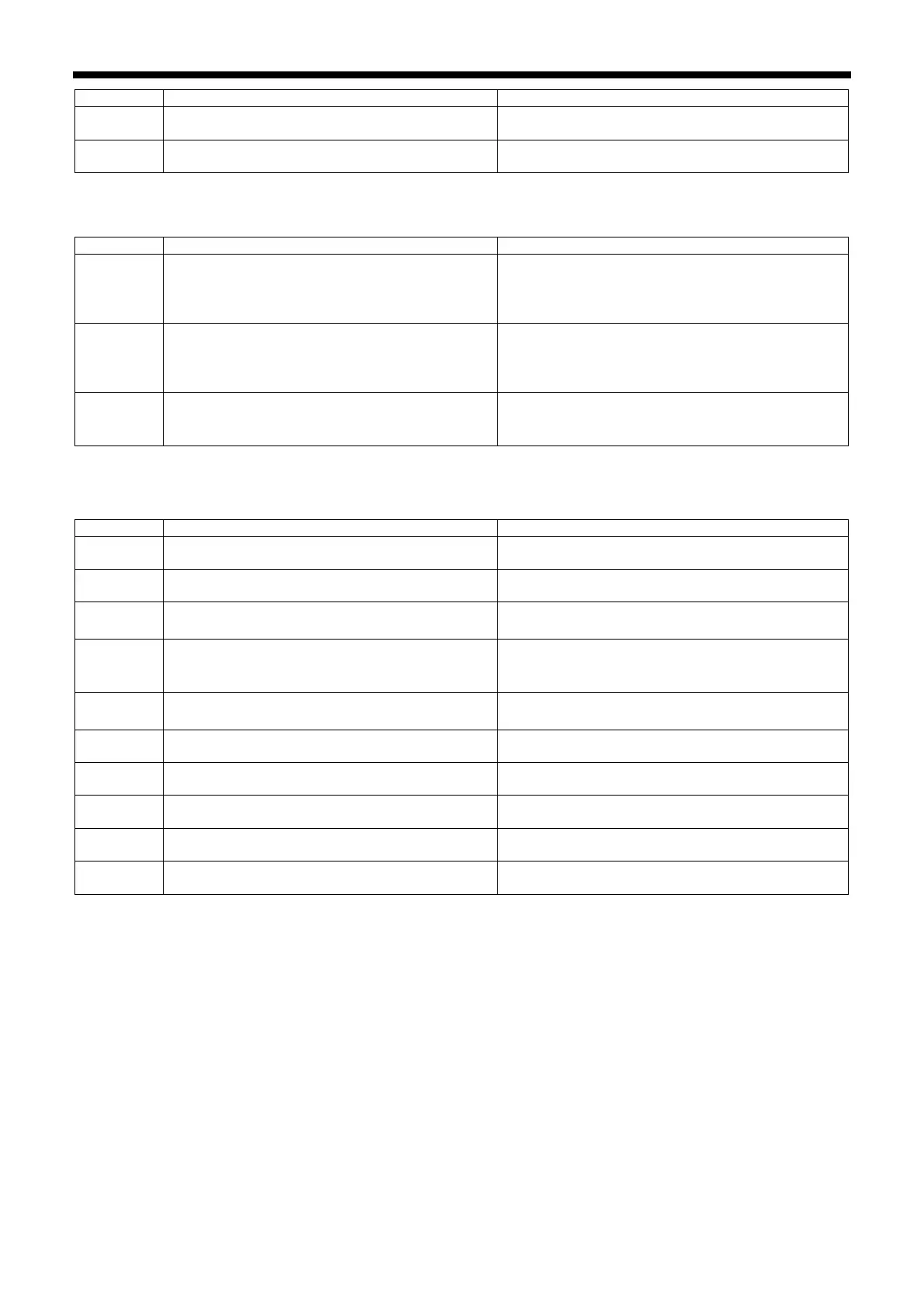
Sewing machine motor was running continuously
for too long during sewing.
Turn the power off and then back on again.
Thread trimming solenoid operation was not
completed within the specified period.
Turn off power and check if the thread trimming
mechanism is stiff.
Feed mechanism-related errors
Feed motor origin is not detected when power is
turned on.
・
Turn off the power and check that the feed
mechanism is not abnormal.
・
Turn off the power and check the feed motor
connector and connector P4.
Abnormal feed motor operation detected during
sewing.
・
Turn off the power and check that the feed
mechanism is not abnormal.
・
Turn off the power and check the feed motor
connector and connector P4.
Abnormal feed motor overheating detected or feed
motor overheating sensor was not detected.
・
Turn off the power and check the sewing conditions.
・Turn
off the power and check the connection of
connector P4.
Communication and memory-related errors
Panel connection was not detected when power
was turned on.
Turn off the power and check the connection of
connector P2.
Communication error with panel occurred when
power was turned on.
Turn off the power and check the connection of
connector P2.
Error when reading from USB media.
・
・
Check the data in the USB media.
Insufficient free space in USB media.
・
・Increase the amount of free space in the USB
Error when writing to USB media.
・
・
Use the specified USB media.
Data could not be written to the backup memory
(main internal P.C. board).
Turn the power off and then back on again.
Data could not be read from the backup memory
(main internal P.C. board).
Turn the power off and then back on again.
Back up memory (main internal P.C. board) data
was abnormal, so settings were initialized.
Turn the power off and then back on again.
Model settings could not be read from machine
head memory (internal panel).
Turn the power off and then back on again.
Data backup cannot be written to machine head
memory (internal panel).
Turn the power off and then back on again.



 To Next Page