Graphics Display
SMART MATRIX FEEDER 2-46
Carriage movement direction
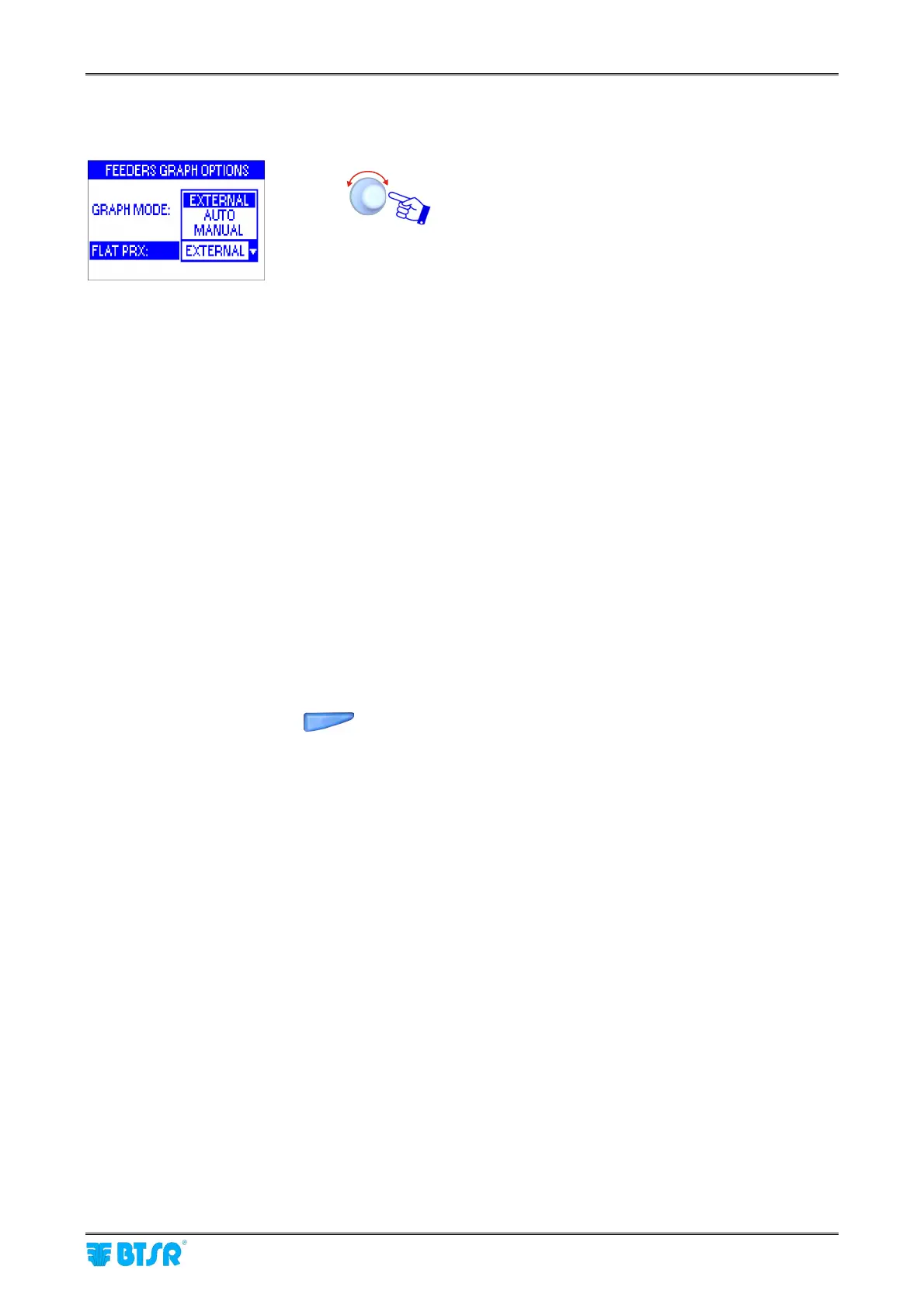
To establish the carriage movement direction, 3 options are available, which may be selected using the SET
button.
Select one of the three options (EXTERNAL, AUTO o
MANUAL) according to the following considerations:
EXTERNAL The carriage movement direction is indicated by the PRX signal level:
Example: High signal level = carriage movement to the right side
Low signal level = carriage movement to the left side.
AUTO The carriage direction is automatically defined by the
ULTRAFEEDER/ROLLING FEEDER/UNIFEEDER device depending on
the speed of the carriage strokes when moving away from and when
approaching the position where the device itself is installed.
MANUAL Mode used when the ULTRAFEEDER/ROLLING FEEDER/UNIFEEDER
device is mounted on the middle of the carriage stroke.
In this case, each individual stroke will have two different speeds (when
moving away from and when approaching the position of
ULTRAFEEDER/ROLLING FEEDER/UNIFEEDER device).
The system is capable, in any case, to establish the direction change
thanks to the sudden speed variation at the end of each stroke.
You shall simply synchronize the carriage movement with the direction
of the arrows shown on the bottom right side of the graphic (item 5 of the
example shown on previous page).
If the carriage direction does not match the arrow direction, then press
the
button.
The arrow direction will be immediately reversed, thus synchronizing
itself with the carriage direction.



 To Next Page