Sensor Configuration and Numbering
SMART MATRIX QUILT 2 - 10
Single Sensor Numbering
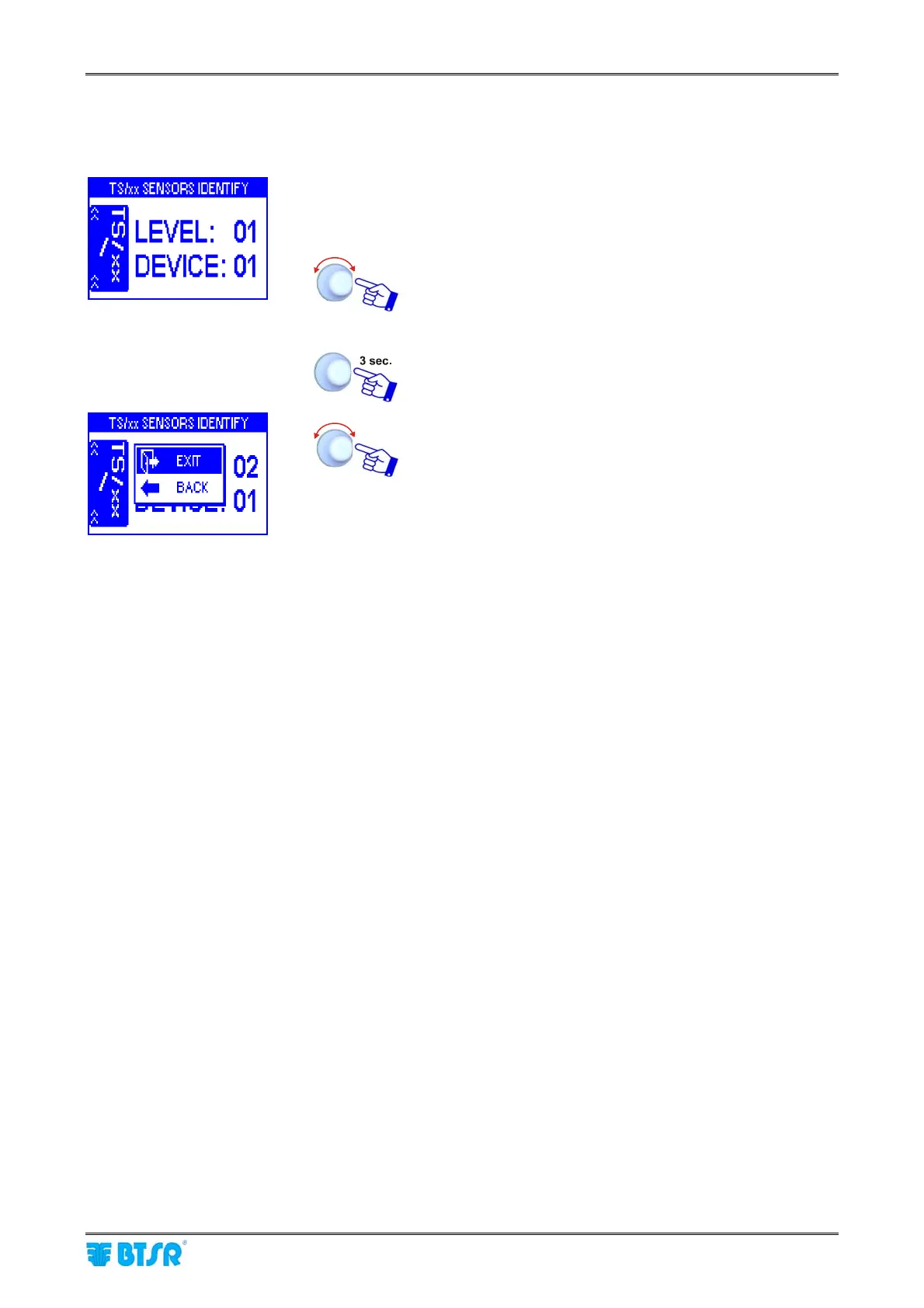
To number a single sensor (for instance in case of sensor replacement) operate as follows:
• Carry out all the operations described for sensor
configuration and numbering until the start numbering
screen appears.
• Select the position of sensor to be re-numbered.
(LEVEL: NN, DEVICE: NN)
• Shim the touch light of the relevant sensor; the sensor’s
led changes from flashing green to red.
To quit the identification procedure after the sensor re-
numbering.
EXIT to return to configuration menu.












 To Next Page