Sensor Test
SMART MATRIX QUILT 2 - 18
Sensor Test
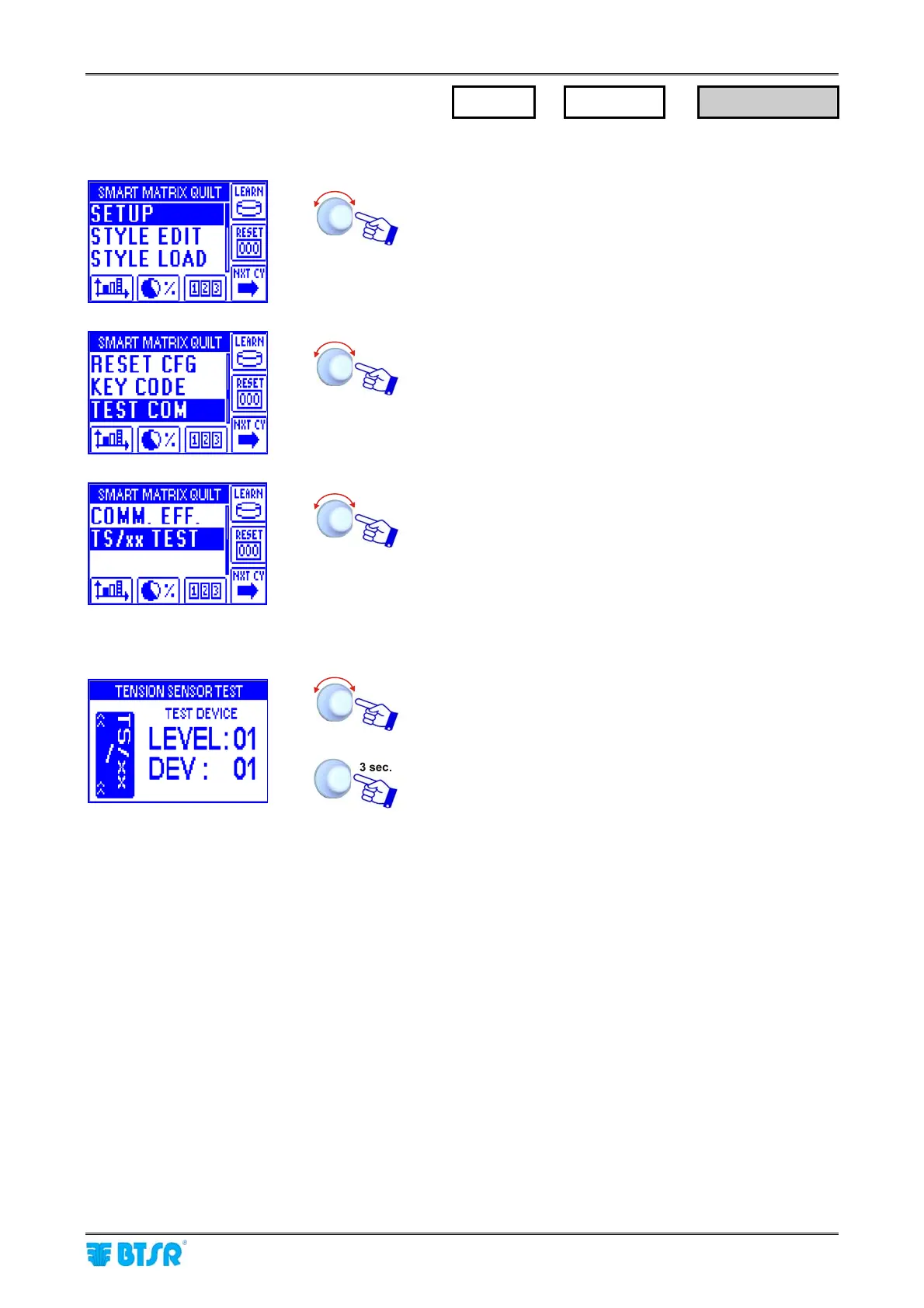
Enter the SETUP menu.
Select TEST COM.
Select TS/xx TEST.
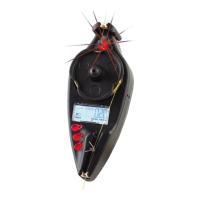
Select the sensor you want to test (LEVEL: NN, DEV: NN)
(the selected sensor shall have the red led blinking).
To return to previous menu
! If the GLOBAL Test shows an error (e.g.: 001/005 which means that one sensor does not correctly
communicate with the system), then operate as follows:
1. Run the SINGLE Test to locate the Board which the defective sensor is connected to.
2. Select the Sensor Test and confirm the correct red Led blinking (the sensor which does not
show the red led blinking is the defective or disconnected one.
SETUP
→
TEST COM
→
TS/xx TEST









 To Next Page