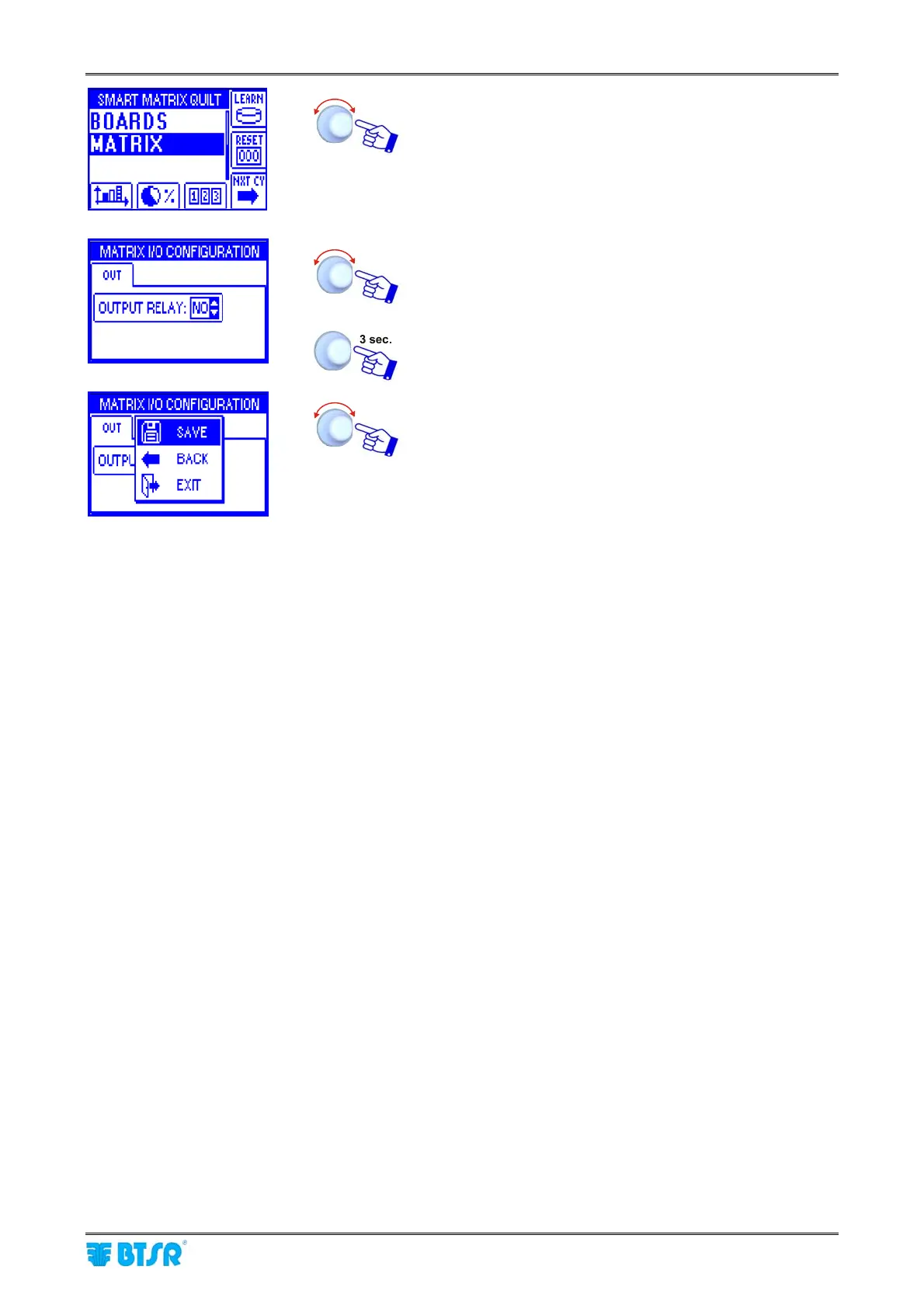
Input/Output Configuration on SM-DIN/Smart Matrix
SMART MATRIX QUILT 2 - 13
Select MATRIX.
Configure the output relay of SMART MATRIX terminal as
NO or NC.
To activate the save function.
SAVE to save the choice, BACK to return to the previous
screen without saving, EXIT to return to menu.
! For more information about the meaning and function of FAST, SLOW, RESET, LEARN, PRX signals,
please refer to the STYLE EDIT function on next pages,and to Section 3: System Information.












 To Next Page