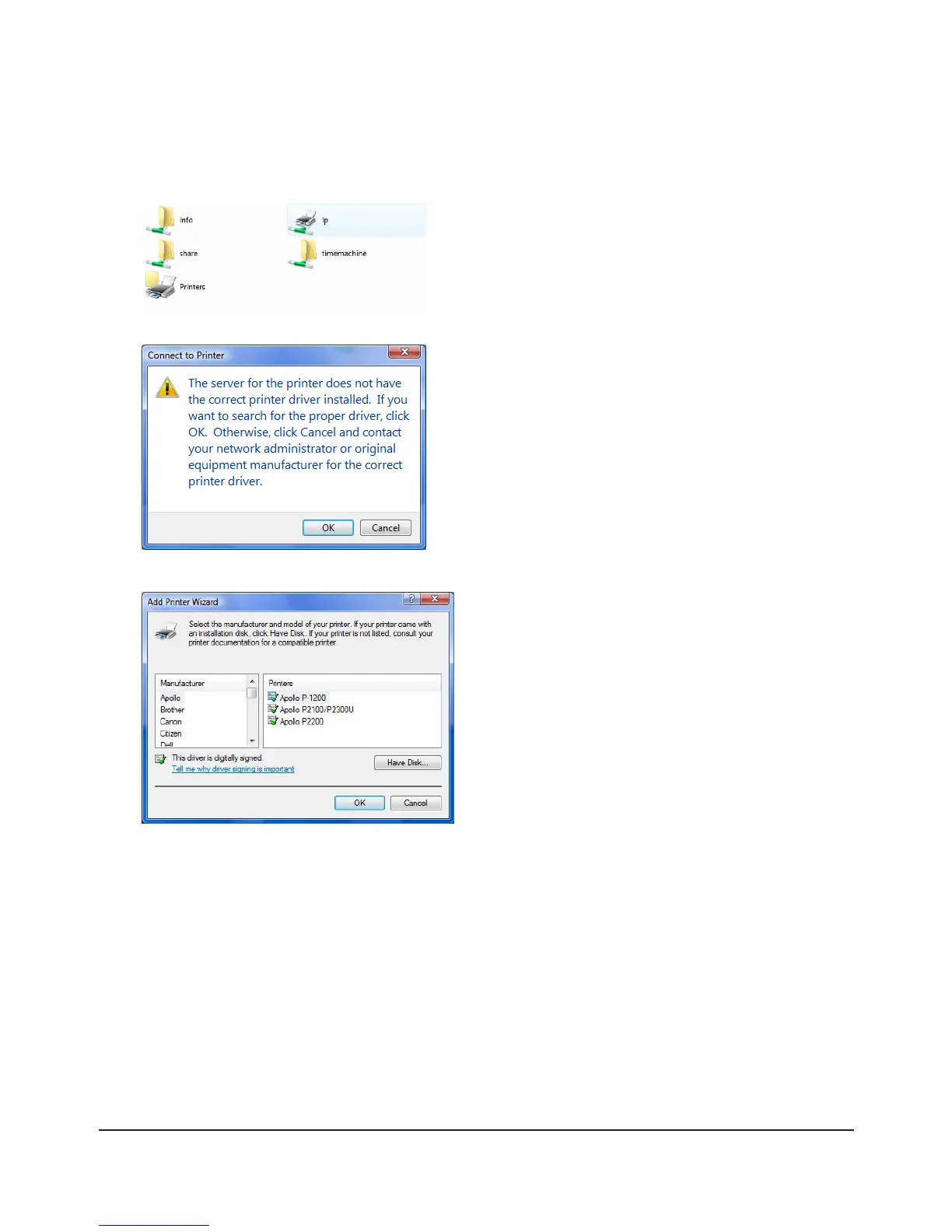
Double-click on the TeraStation’s printer icon (“LP”).
Click [OK].
Select your printer. Choose the manufacturer on 1
the left and the model on the right. If your printer
is not listed, click [Have Disk] and follow the printer
manufacturer’s directions for installation.
Click [OK].2
Click [Start] - [Network].4
Double-click on the TeraStation’s server name.5
6
7
8
You have added a printer.

















 To Next Page