Disk space quotas for groups
To limit the space of shared folders that each group can use, follow the procedure below.
1
2
Notes:
• Usernames and passwords should be the same ones that the users log in to Windows with.
• If two dierent quotas apply, such a a user quota and a group quota, the smaller quota is applied.
3
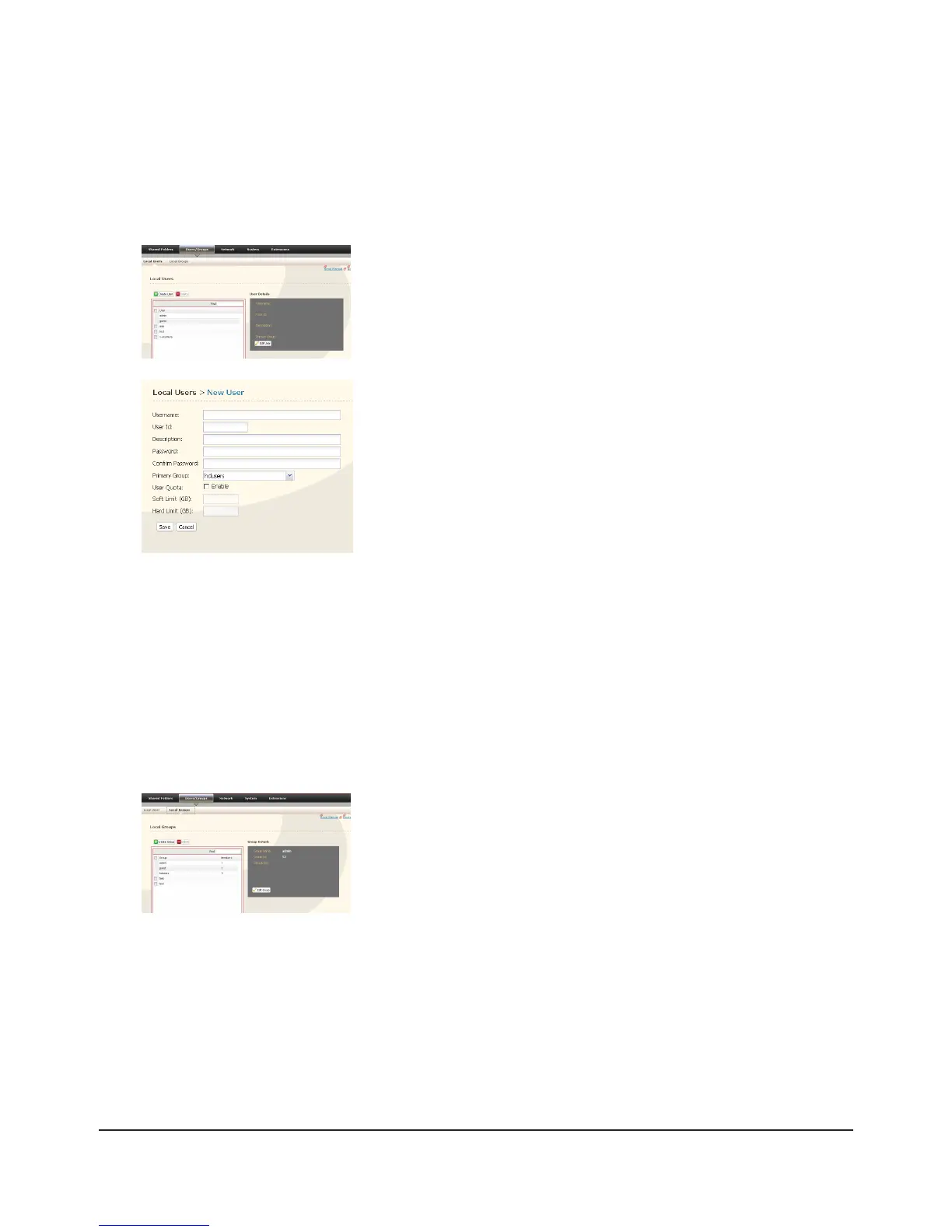
In the 1 Web Admin interface, select [Users/Groups] - [Local Users].
Click [Create User].2
Enter [Username], [User Id], [Password] and [Description].1
Note: User IDs may be between 1000 and 1999. Do not duplicate user
IDs.
Click [Save]. 2
Repeat steps 1 and 2 for each user in the group.
Select [Users/Groups] - [Local Groups].1
Click [Create Group].2

















 To Next Page