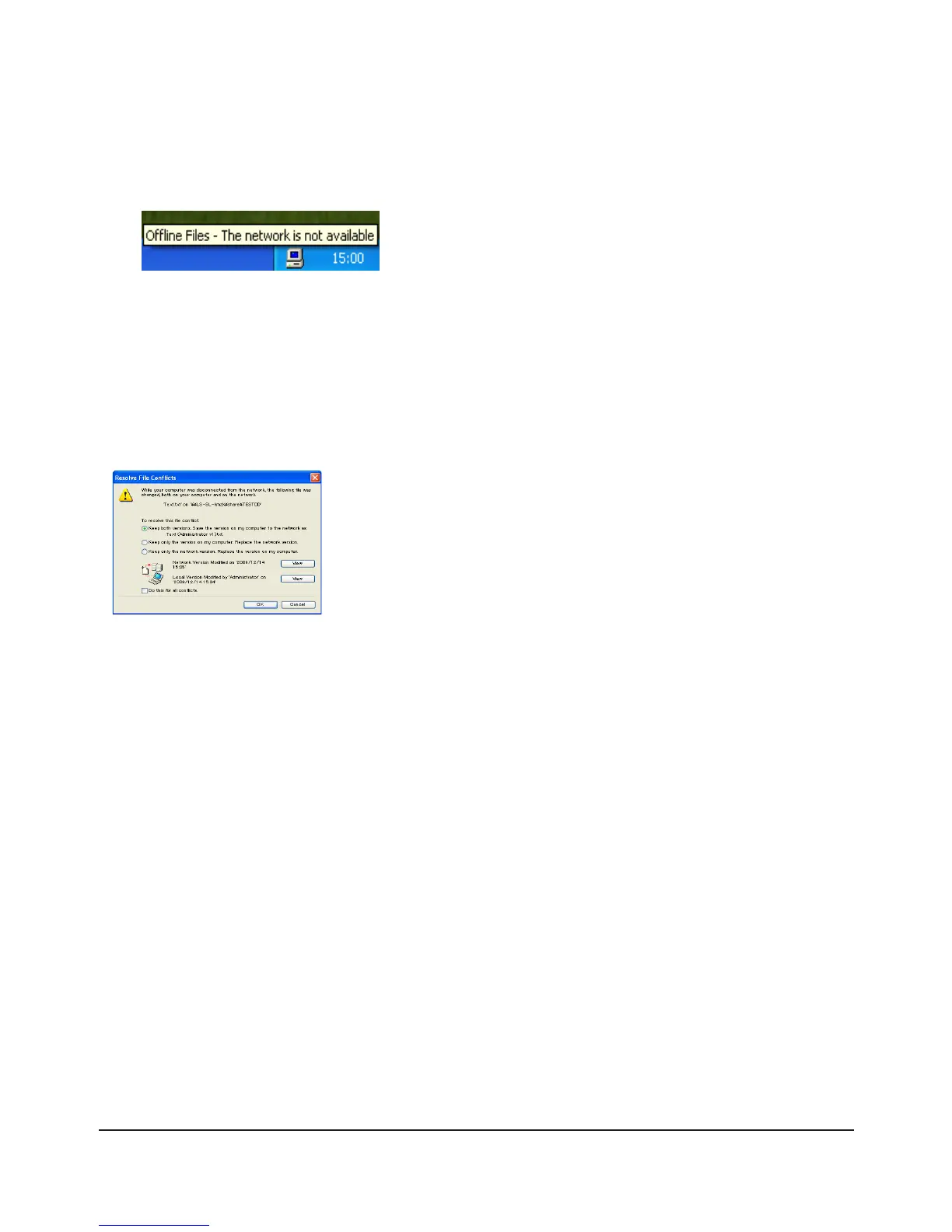
After the synchronization is complete, you can open oine les even after disconnecting from the network that 9
the TeraStation is on. Oine les can be accessed through the UNC to the original location.
Note: If oine les are available, the icon is displayed in the systray.
* Editing Oine Files
Oine les can be edited or deleted just like regular les. Dierences between data in dierent locations will be
resolved by re-synchronization when the network connection is re-established.
* Synchronizing Oine Files
Oine les are automatically synchronized when you log on or o the network.
* Version Conicts
Conicts occur when the oine and original les are both modied dierently before they are re-synchronized. If
conicts occur, the following wizard opens. Step through the wizard to resolve the conicts.
You’ve congured oine les.

















 To Next Page