YAK 130
BVM ©2016 54 Mar. 23, 2016
Connecting RX wires
The wires are labeled from the factory. If you are using the DX18, the program is available on
an SD card from BVM. Follow the chart below to connect the servos.
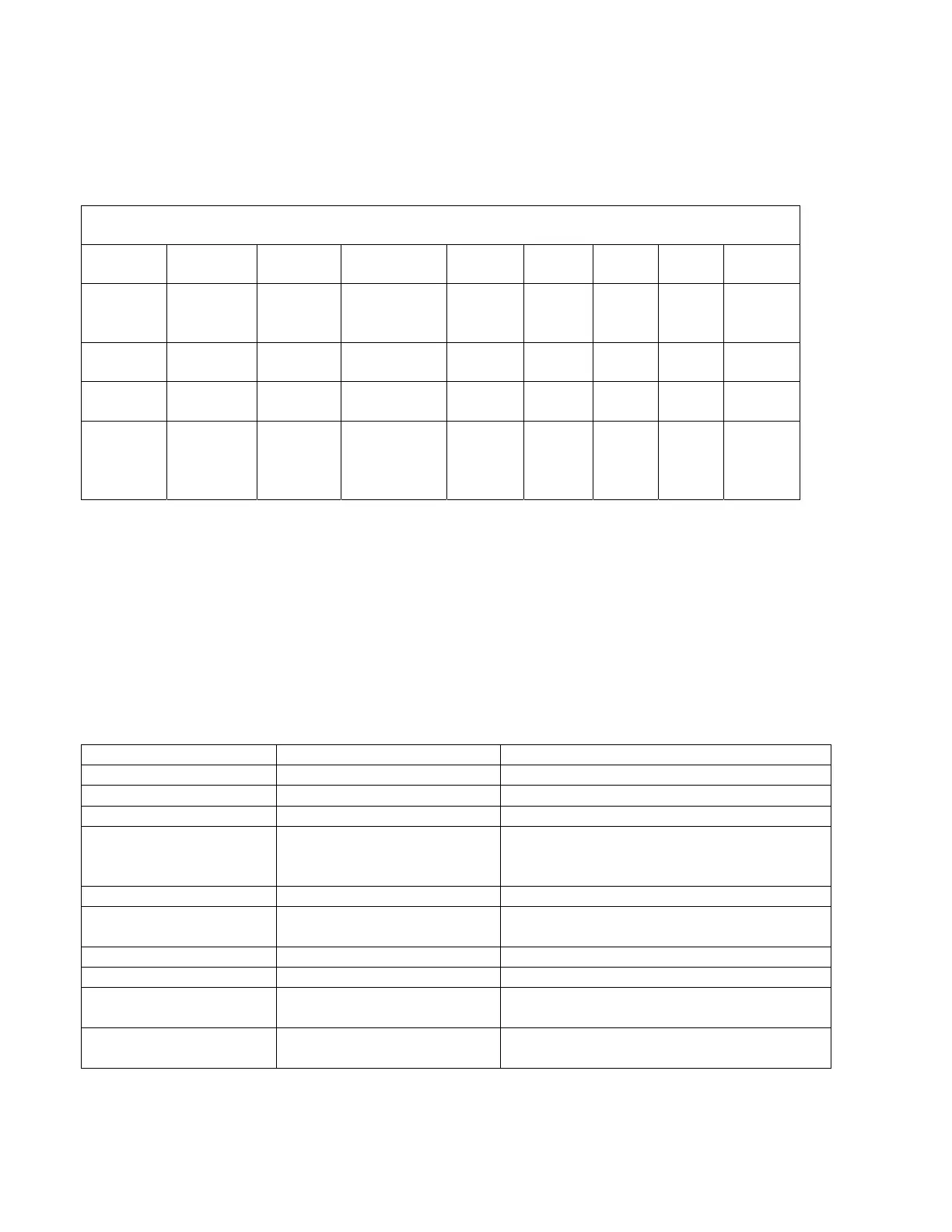
Spektrum 12 Channel Receiver + Spektrum X Plus 8 Expander Module Chart
RX Port Throttle Aileron Elevator Rudder Gear Aux1 Aux2
Control Throttle Right Ail Right Elev Rudder Left
Flap
Left
il
Right
Flap
RX Port Aux3 Aux4 Aux5 Aux6 Aux7 X+3 X+4 X+5
Control Brakes Left Elev Gyro Nose
Steerin
g
Speed
Brake
LED SMK Gear
DX18 and DX18QQ Transmitter File
The BVM Demo models are setup on Spektrum DX18 transmitters. The file included on the
SD card has all the mixes, rates, expos, and settings done for you. Setting the sub trim and
travel adjustment must be accomplished by the modeler for the specific aircraft.
Important!!! Check the direction of all flight controls before each flight.
Switch/Lever/Trimmer Channel Output
Switch
Channel 5/Gea
Landing Gear, Down is Down
Switch B X+1/Channel 11/ Lights, Down is off, Up is on
Switch C Elevator Rates Up (0) is High
Switch D Flight Modes Flap System Up is Normal flight
Mid is Take Off Flaps
Down is Landing Flaps
Button I Throttle Cut Throttle Cut
L. Trim Steering Trim/Aux 6 Down for Right Steering Trim
Up for Left Steering Trim
Switch F
ileron Rates Up (0) is High
Switch G Rudder Rates Down/Away (0) is High
Switch H Aux 5/Smoke Down (0) Smoke off
Up (1) Smoke on
Right Lever Aux 2/Brakes Up/Away – Brakes off
Down/Pulled
Brakes on



 To Next Page