46
Gaining access to the instrument enclosure
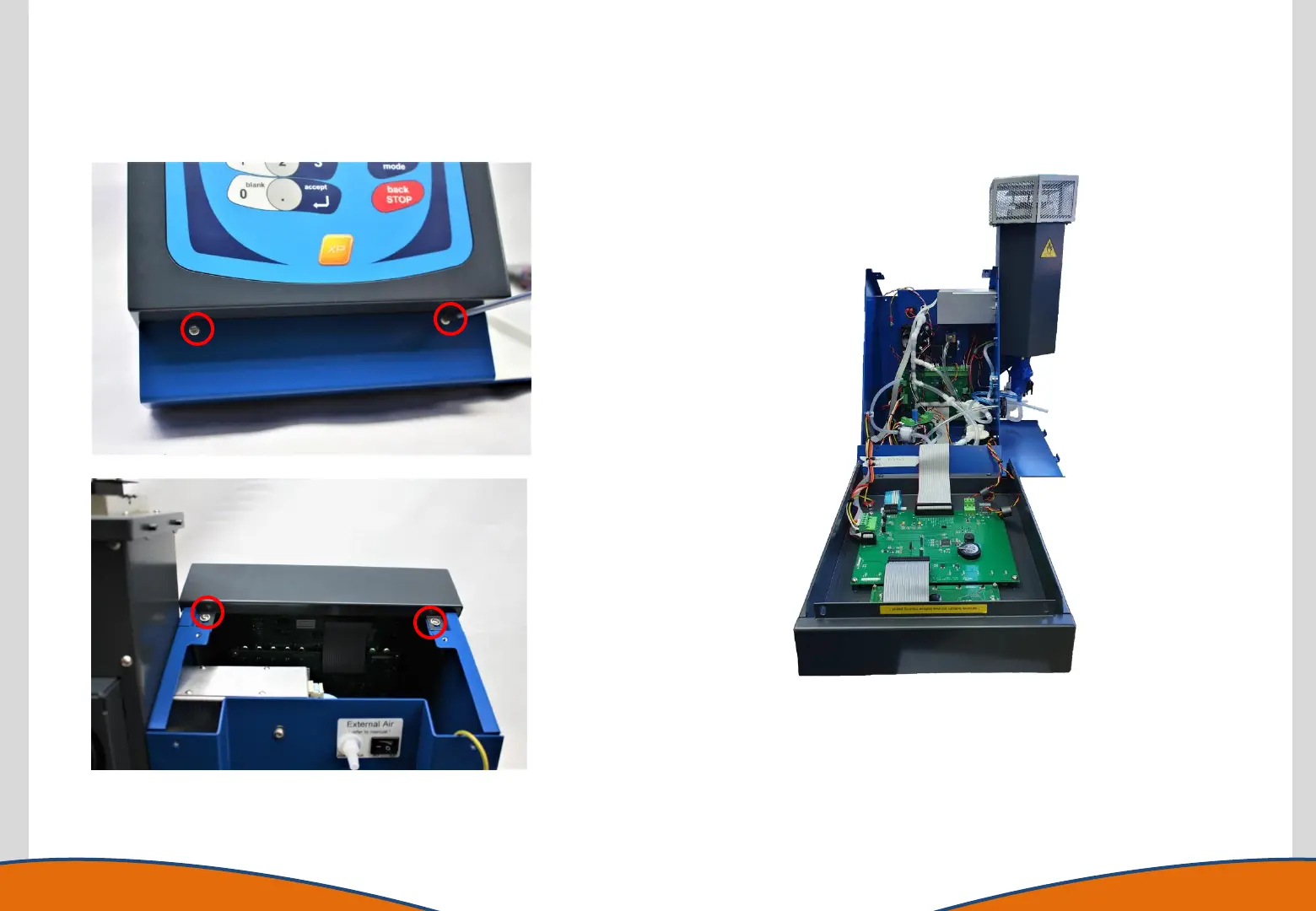
4. Remove the four screws holding the Front
Panel Assembly in place
5. Place bubble wrap or a soft material on the table in front of the
front panel to protect the keypad. Carefully lower the Front Panel
Assembly down on the table being aware that it is retained to the
instrument by cables at the bottom.
6. If wished the printer cables (if present) can now be disconnected
and the earth wire removed to allow the top cover to be removed
completely. Note however that these must be replaced during re-
assembly of the instrument.



 To Next Page