70
Replacing the Optic Window
1. Gain access to the instrument enclosure as previously described.
2. Remove the OTA assembly as previously described.
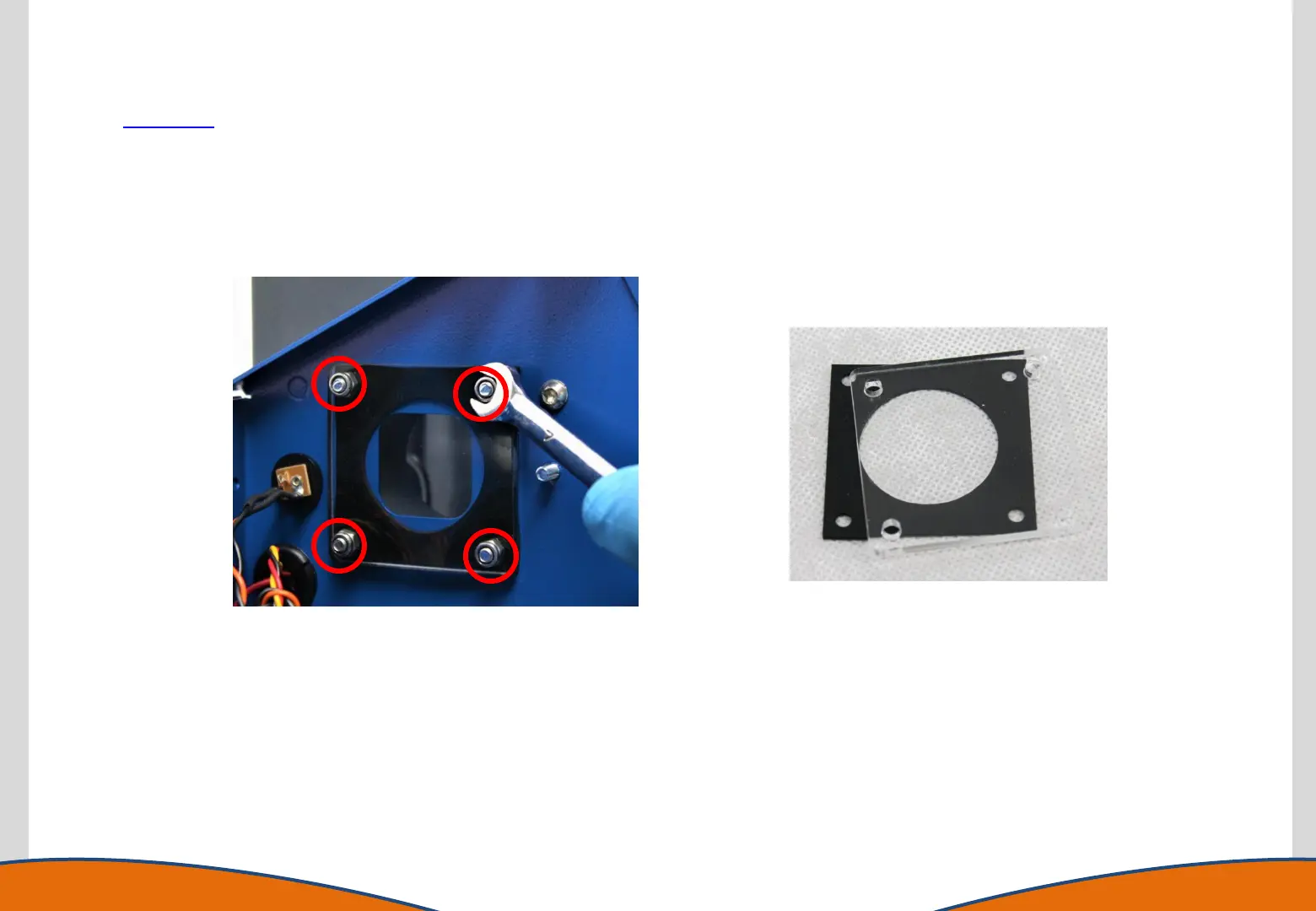
3. Remove the 4 optic window retaining nuts using a 7mm A/F spanner.
4. Replace the window (and gasket if required).
5. Reassemble the instrument in reverse order.



 To Next Page