50
Replacing the Chassis Fan
1. Gain access to the instrument enclosure as previously described.
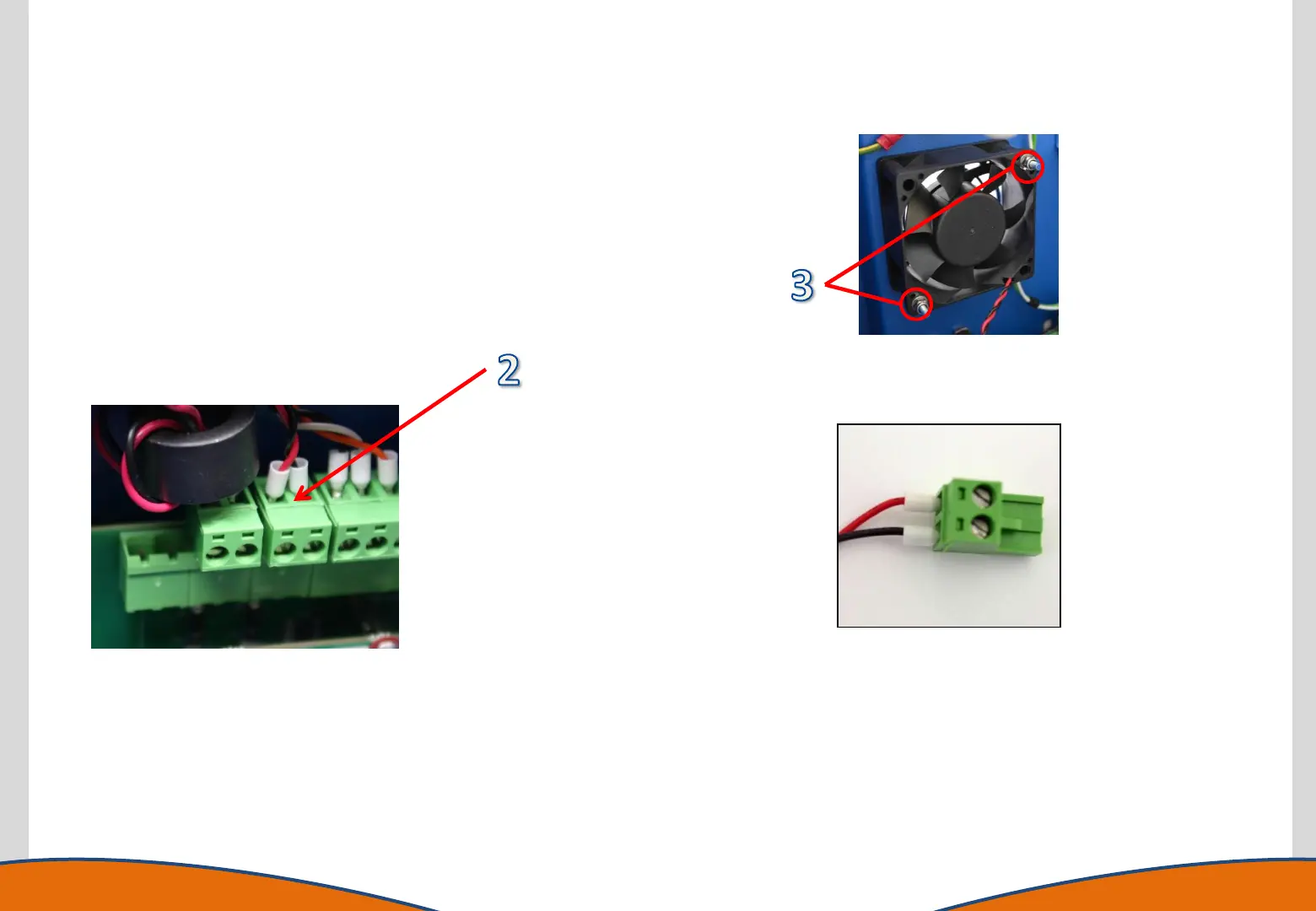
2. Identify the fan electrical connection on the Marshalling PCB.
Carefully unplug the connector by pulling upwards
3. Remove the 2 x 5.5mmAF nuts which secure the cooling fan to the
rear panel and withdraw the fan
4. Refit the fan assembly, ensuring the fan is located with the label
towards the rear panel of the instrument. Secure with the 2 x
5.5mmAF nuts and reconnect electrical connection to the Interface
PCB.
Note the connector
polarity



 To Next Page