27
EN
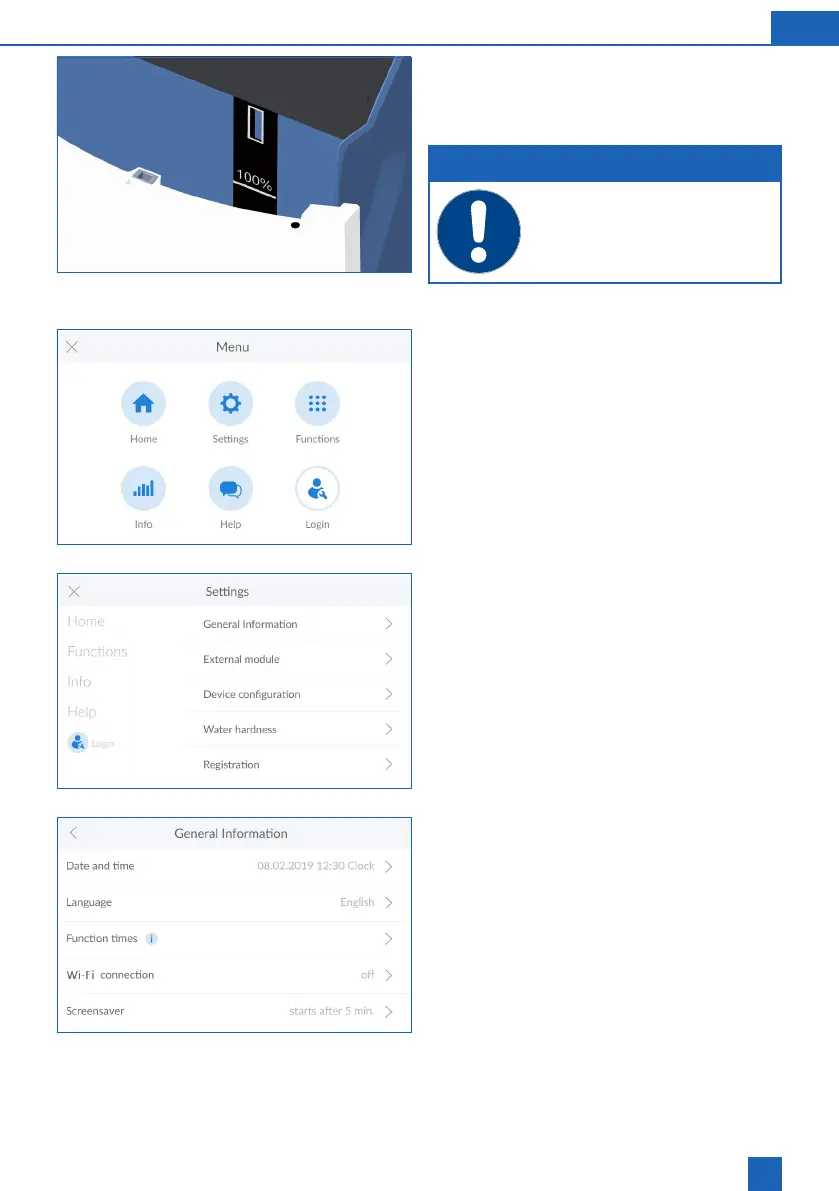
The maximum level of 100% in the multi-info touch
approx. 46 cm in the regenerative container.
NOTE
Overlling past the 100% mark can re-
sult in implausible ll level values being
reported. To prevent this, remove any
excess regenerative.
Menu overview
Press
SETTINGS
Settings
Press
GENERAL
>
General information
The General menu can be used to set the date,
time, language, operating times, WLAN connection
and screen saver.
To select a menu item, press the corresponding
right arrow >
In order to connect the product to your wireless
router, please proceed as follows:
Press
WLAN CONNECTION
>



 To Next Page